.png "7 Smart Ways to Use a Roblox Link Shortener (And Why It Actually Matters)")

You've just set up an awesome Roblox game, a Discord server for your community, or maybe a merch store for your fans. You copy the link to share it — and it looks like someone sneezed on the keyboard. A messy, 80-character URL that breaks in chat, looks sketchy, and nobody wants to click.
That's the exact problem a link shortener solves. And if you're in the Roblox world — whether you're a game creator, a content creator, or just someone running a fan community — a clean, short link can make a surprisingly big difference.
What Is a Roblox Link Shortener?
A Roblox link shortener is simply a tool that takes a long URL — like a link to your Roblox game page, profile, group, or external site — and converts it into a short, shareable version.
For example, instead of sharing:
https://www.roblox.com/games/123456789/My-Awesome-Roblox-Game?referralPage=...
You get something like:
https://atomicurl.com/mygame
Same destination. Way cleaner.
This isn't just about aesthetics. Short links are easier to type, less likely to break in chat messages, and just generally look more trustworthy to the people you're sharing them with.
Why Does It Matter for Roblox Creators and Communities?
You might be thinking — it's just a game link, does it really matter? Here's the honest answer: it depends on how seriously you're building your community.
If you're casually sharing links with friends, not really. But if you're:
- Running a Roblox YouTube or TikTok channel
- Managing a Discord server with hundreds of members
- Promoting a Roblox group or fan page
- Selling merchandise or Robux content externally
- Running game events or giveaways
…then yes, it matters quite a bit. Every touchpoint where someone clicks a link is a chance to make a good first impression — or a confusing one.
Here are the real benefits:
Better click-through rates. Short, clean links simply get clicked more. People hesitate before clicking something that looks like a virus.
Links don't break. Long URLs often snap in half across two lines in Discord, Twitter, or Roblox chat, making them unusable. Short links never have this problem.
Easier to share verbally. If you're on a live stream saying "go to my game page," a short link is something your audience can actually type.
You look more professional. Even in gaming, presentation matters — especially if you're trying to grow.
How to Shorten a Roblox Link: Step-by-Step
This part is genuinely simple. You don't need to be tech-savvy, and you don't need to pay for any fancy software.
Here's how to do it using AtomicURL — a free link shortener that requires zero sign-up:
Step 1: Copy your Roblox link. Go to whatever Roblox page you want to share — your game, group, profile, or an external site you're promoting — and copy the full URL from your browser.
Step 2: Go to AtomicURL. Open https://atomicurl.com in your browser. No account, no email, no credit card needed.
Step 3: Paste and shorten. Paste your long URL into the input box and click the shorten button. In about two seconds, you'll have a short link ready to go.
Step 4: Copy and share. Copy your new short link and share it wherever you need — Discord, Twitter/X, YouTube description, a Reddit post, or even in-game if you're communicating with players externally.
That's genuinely it. No learning curve. No setup.
If you're managing a lot of links — say, links to multiple games, your group, your merch store, and your social channels — the Bulk URL Shortener tool lets you shorten multiple links at once, which saves a lot of time.
7 Smart Ways Roblox Creators Actually Use Short Links
Let's get practical. Here's how real people in the Roblox ecosystem are putting short links to work:
1. Sharing game links in YouTube descriptions YouTubers drop their game links in every video description. A short URL looks cleaner and is easier to update if the game URL ever changes.
2. Promoting groups in Discord bios and server descriptions Discord bios have character limits and visual clutter. A single short link to your Roblox group is much neater than a long string of characters.
3. Running giveaways and events If you're running a Roblox event and directing people to a form, a landing page, or a specific game server, a short link is easy to post repeatedly across platforms without it looking messy.
4. Sharing merch or game passes externally Roblox game pass links can be long and awkward. If you're promoting them on social media, a shortened link looks much more intentional.
5. Streaming on Twitch or TikTok Live During a live stream, you can verbally give out a short URL. "Go to my Roblox game at atomicurl.com/mygame" is something people can actually remember and type.
6. Fan sites and wikis If you maintain an external fan site or wiki for your Roblox game, short links are great for internal linking and referencing official pages without the ugly URLs.
7. Managing multiple links in one place The URL Manager feature lets you keep all your shortened links organized, so you're not hunting through old Discord messages to find what you shortened three weeks ago.
Common Mistakes People Make with Link Shorteners
Here are some key points to keep in mind before you begin:
Shortening every single link unnecessarily. If you're just sharing a link with one friend in a DM, a short link adds no value. Use them where they actually improve the experience.
Using shady or unfamiliar shorteners. Some link shorteners are used to disguise spam or phishing links. Stick to known, trustworthy tools. People have become rightfully cautious about clicking shortened links from strangers, so using a clean and recognizable one actually helps your credibility.
Forgetting to check where the link goes. If you're ever unsure whether a short link you received is safe, use a URL expander to preview the full destination before clicking.
Sharing short links without context. A link without any description still raises suspicion. Always pair your short link with a quick explanation — even something like "here's my game link" goes a long way.
How AtomicURL Fits In
AtomicURL isn't trying to be the fanciest URL tool on the internet. It's a straightforward, free tool that does the job without making you jump through hoops.
The main thing that stands out is the no-account requirement. Most link shorteners push you to create an account before you can do anything. AtomicURL skips that entirely — you paste a link, you get a short one, you move on.
For Roblox creators who just want a quick way to clean up their links without signing up for yet another service, that simplicity is genuinely useful. And the bulk shortening feature is a nice bonus for anyone managing more than a handful of links.
FAQs
Is it safe to use a link shortener for Roblox links? Yes, as long as you're using a legitimate tool. Short links themselves aren't dangerous — the destination is what matters. If you're shortening your own Roblox game or group link, there's nothing unsafe about it. The concern only applies when clicking unknown shortened links, not when creating them for your own content.
Can Roblox detect or block shortened links? Roblox has its own chat filter that may flag external links, including shortened ones. If you're trying to share links within the Roblox platform chat itself, that's subject to Roblox's own rules. Shortened links are most useful for external sharing — on Discord, social media, or your own website.
Do I need an account to use a link shortener? Not always. AtomicURL, for example, doesn't require any account or sign-up at all. You can shorten links instantly and for free.
What's the difference between a short link and a custom link? A short link is automatically generated (something like atomicurl.com/a1b2c3). A custom link lets you choose the ending slug (like atomicurl.com/mygame). Custom links are more memorable and look more professional when sharing your Roblox content.
Can I see how many people clicked my link? Some link shorteners offer click tracking. If analytics matter to you — for example, you want to know how many people clicked your game link from a YouTube video — look for a tool that includes that feature.
Wrapping Up
A Roblox link shortener is a small thing with a practical payoff. It doesn't transform your content — but it removes friction, looks cleaner, and makes it easier for your audience to get where you want them to go.
Whether you're a game developer sharing your latest project, a community manager keeping your Discord organized, or a creator with multiple platforms to juggle, taking 10 seconds to shorten a link is almost always worth it.
Start with the free tools, use them where they make sense, and don't overthink it.
If you enjoyed this article, you may also like:
.png)
_Image_1.png)
_Image_1.jpg)
_Image_1.png)

_Image_1.png)
 Replace Your Entire Marketing Funnel_Image_1.png)
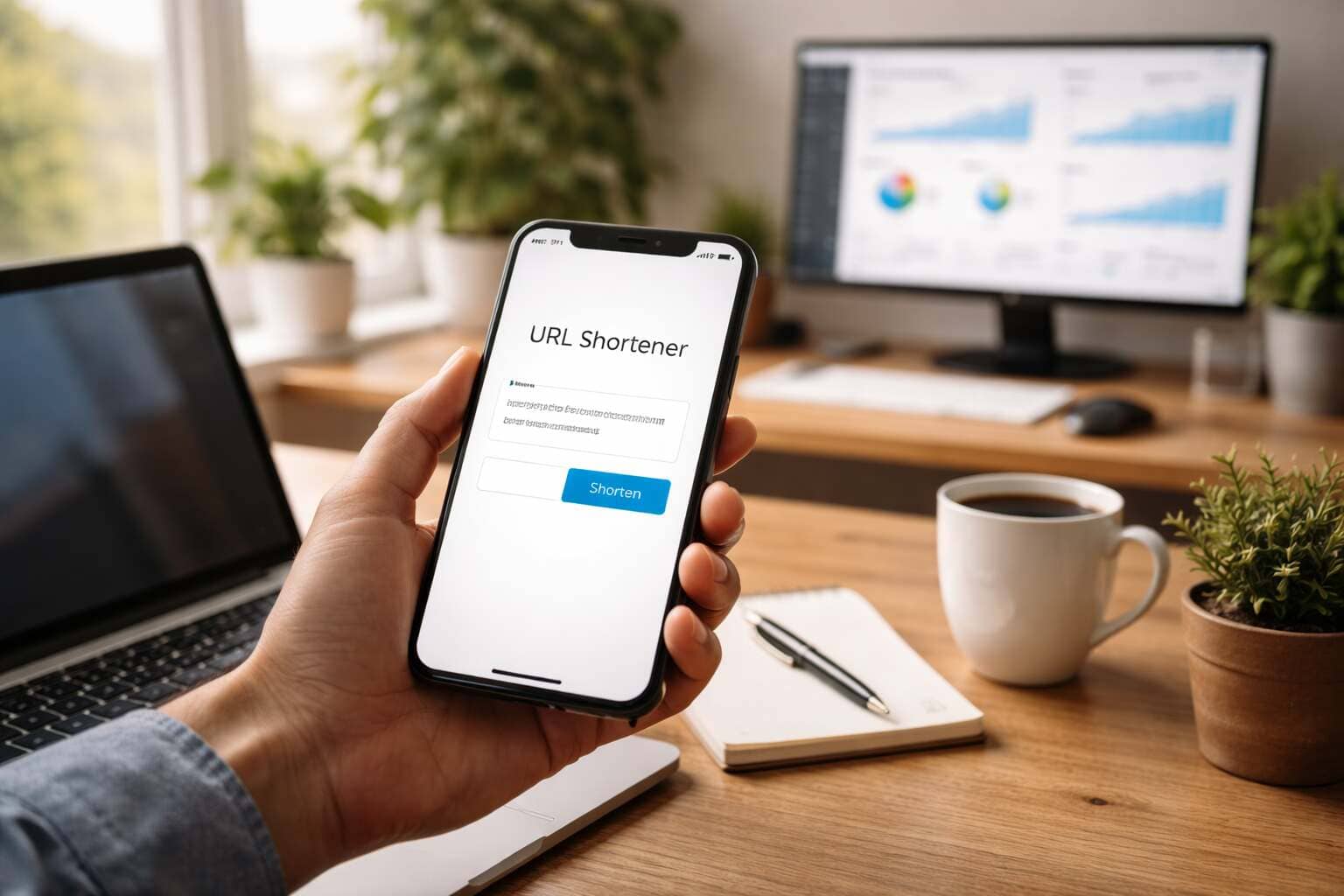
_Image_1.jpg)
_Image_1.jpg)
_Imgae_1.jpg)
_Image_1.jpg)
_Image_2.jpg)

_Image_1.jpg)

_Image_1.png)


.jpg)