
If you've ever had to shorten URLs one at a time for a campaign, a content calendar, or a client report—you already know how tedious it gets. You paste one link, copy the result, paste it somewhere, go back, paste the next one. Repeat that 20, 30, 40 times and suddenly you've lost an hour of your day to something that should take five minutes.
That's the problem the AtomicURL Bulk URL Shortener solves. And it does it without requiring an account, without a subscription, and without making you jump through hoops to access something that should've been standard in URL shorteners years ago.
Who Actually Needs This (More People Than You'd Think)
Let's be honest: if you only shorten one or two links a week, bulk processing isn't something you need to think about. But the moment you're managing more than a handful of links at any given time, the one-at-a-time approach starts feeling genuinely painful.
Think about the kind of work that actually generates link batches. A digital marketing agency preparing a monthly report for a client. A social media manager scheduling posts across six platforms for the next two weeks. An email marketer sending a newsletter with a dozen different product links. A content team migrating an old blog and needing to shorten a whole archive of URLs for a new campaign. An affiliate marketer managing product links across multiple categories.
In all of these cases, the links pile up fast. And if your workflow involves shortening each one individually, copying it, pasting it somewhere, and then starting over—that's not a workflow, that's a chore.
The bulk URL shortener at AtomicURL handles up to 50 URLs at once. You paste them in, you click once, and within seconds you have 50 shortened links ready to go. That's not a marginal improvement over doing it individually. It's a completely different experience.
How It Actually Works
No account. No email address. No "start your free trial." You go to atomicurl.com/bulk-url-shortener, paste your URLs—one per line—and hit the button. That's genuinely it.
The shortening is instant. Not "fast for a free tool" fast—actually instant. The kind where you click and the results are there before your brain has processed that you clicked. If you've used slower tools before (and there are a lot of them), this is noticeable immediately.
Each shortened link is clean, compact, and ready to use. You can copy individual links with one click, or—and this is where it gets useful for anyone managing links at scale—you can export the entire batch as a CSV file.
That CSV export is understated as a feature but it's one of the most practically useful things here. You get a clean spreadsheet-ready file with your original URLs and their shortened versions side by side. Drop it into your project management tool, share it with a teammate, import it into your email platform, file it for a client deliverable. No more copying and pasting results into a spreadsheet manually. No formatting required. Just a usable file, ready when the links are ready.
The Customization Side of Things
Here's something worth knowing: bulk shortening doesn't mean generic. Each shortened link can be customized—given a meaningful slug instead of a random character string—so your output isn't just short, it's also readable and on-brand.
That matters when you're sharing links with clients, embedding them in materials that people will actually see, or building campaigns where branded links reinforce trust. A link that says something—even just a few characters—performs differently than one that looks auto-generated. People are more likely to click something that reads as intentional.
Customizable links are part of what separates a genuinely useful bulk shortener from something that just compresses URLs. You're not just getting shorter—you're getting better.
Beyond Bulk: The Features That Make Individual Links More Powerful
The bulk shortener is the headline, but it's worth talking about what each of those shortened links can actually do once they're created—because this is where things get more interesting than most people expect from a free tool.
Custom link expiry lets you set a date and time when a link stops working. Running a promotion that ends Friday? Set the link to expire Friday night. You don't have to remember to go back and deactivate it. You don't have to update your bio or your email or your social posts after the fact. It just stops working when the window closes.
Click-based expiry is a variation of the same idea—instead of a time limit, you set a click limit. After X number of clicks, the link expires. This is genuinely useful for limited-availability offers, early-access campaigns, or anywhere you want to cap how many people can access something through a specific link.
Password-protected links are exactly what they sound like. You shorten a URL, assign a password, and only people who know the password can access the destination. Useful for private content, internal team resources, exclusive member areas, or anything you don't want publicly accessible but still need to share via link.
One-time links are even more specific—a link that works exactly once. The first person who clicks it accesses the content. After that, it's done. This kind of single-use access is useful in ways you might not immediately think of: individual access grants, sensitive documents you need to share securely, exclusive downloads, or private giveaway fulfillment where you want to ensure the link isn't forwarded and reused.
None of these features require setting up an account or understanding anything technical. They're options you configure when you create a link. Simple.
QR Codes Come With This Too
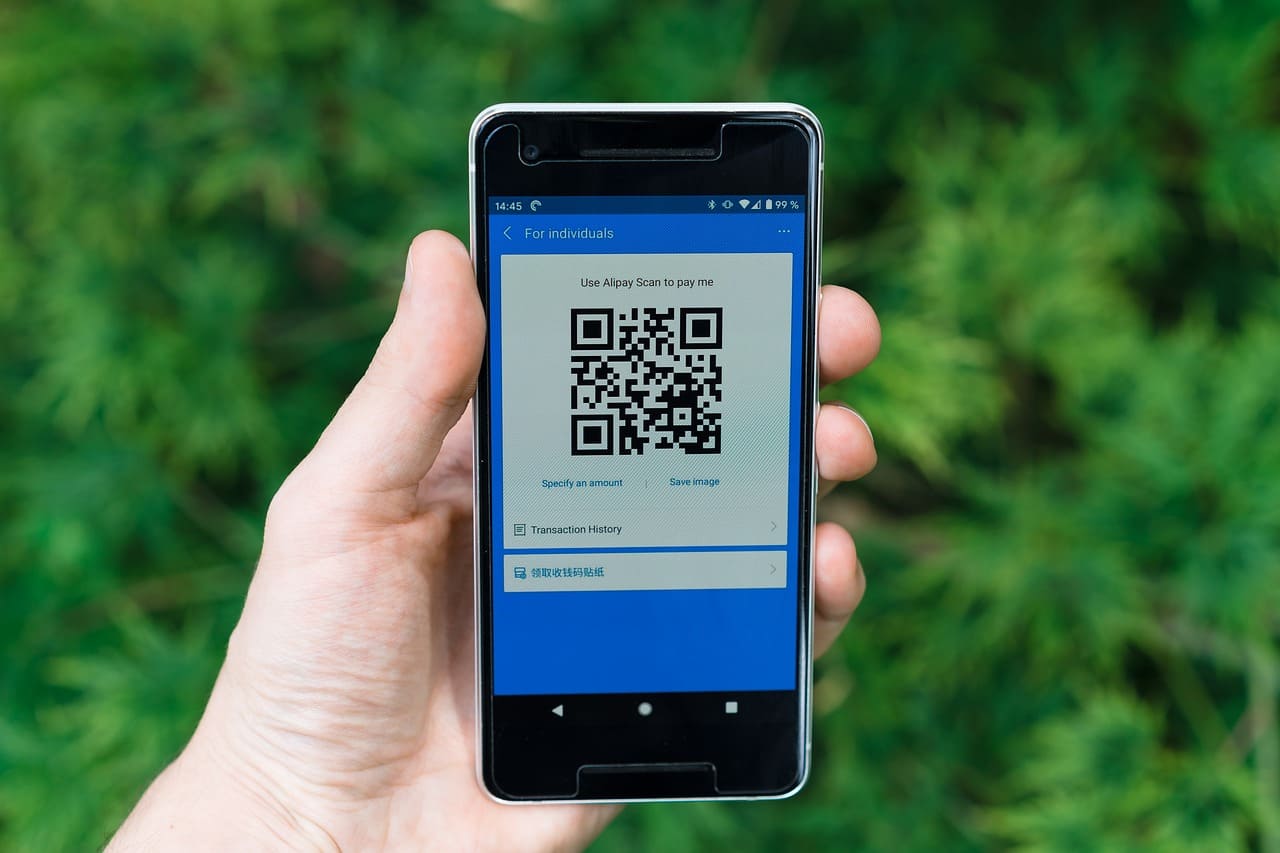
Every shortened link can be turned into a QR code. Generate it, download it, and you're ready to put it anywhere physical or digital—on a product, a poster, a business card, a slide deck, a packaging insert, wherever.
This is more connected to bulk shortening than it might seem at first. If you're shortening 30 links for a campaign, and each of those links has a physical counterpart—a product, a station, a handout, a display—you're going to need QR codes for all of them. Having that generation built into the same tool you're already using for bulk shortening means you're not opening a second tab or switching platforms. Everything lives in one place.
The quick-share buttons for various social media platforms serve a similar purpose. Once a link is created, pushing it to Twitter, Facebook, WhatsApp, LinkedIn, or wherever else you're active takes one click per platform. If you're distributing the same link across multiple channels—which most marketers are—that's a real time saver, especially multiplied across a batch of links.
A Note on Reliability (Because Not All Shorteners Are Created Equal)
Let's be real about something. There are a lot of free URL shorteners out there, and a decent chunk of them have a quiet problem: their redirects are slow, or inconsistent, or occasionally just break. You paste a link somewhere, someone clicks it two months later, and it either takes three seconds to load or goes nowhere.
That's not a small issue. Every click on a short link is a moment where someone is waiting—however briefly—before they reach the actual destination. If the redirect is sluggish, that's friction. If it fails, that's a lost visitor.
AtomicURL's redirection is built to be fast and reliable—not in a marketing-copy way, but in the way that actually matters when your links are live, being clicked by real people, in real time. Lightning-fast redirection and consistent performance aren't features to gloss over. They're the baseline requirement for any URL shortener worth using, and it's worth knowing that bulk-shortened links carry the same reliability as individually shortened ones. Nothing gets compromised by the volume.
Unlimited Links, No Sign-Up, No Catch
Two things worth stating clearly because they're not standard across the category.
First: no sign-up required. You don't need to create an account, verify an email, or start a free trial to use the bulk shortener. Go to the page, use the tool. That's the whole process.
Second: unlimited links. There's no monthly cap, no free tier limit that cuts you off after 50 total links, no "upgrade to pro" wall that appears when you've used your allocation. Shorten as many as you need, as often as you need.
These two things together make the bulk URL shortener genuinely accessible for people who need it most—small business owners, freelancers, independent content creators, one-person marketing teams—without the friction that usually comes with free tools of this kind.
The Bottom Line
Bulk URL shortening sounds like a niche feature until you're the person sitting there manually processing your fourteenth link of the morning. Then it sounds like the feature you should've been using the whole time.
AtomicURL's bulk URL shortener handles up to 50 links at once, delivers them instantly, lets you export everything as a CSV, and gives you the option to customize, set expiry dates, add password protection, or build QR codes for any link in the batch. No account needed. No performance compromise. No artificial limits.
If your work involves links at any kind of volume—and more people's does than they usually admit—this is worth trying. The first time you process a batch of 30 URLs in the time it used to take you to handle three, you'll wonder why you waited.
Tags
#BulkURLShortener #URLShortener #DigitalMarketing #MarketingTools #LinkManagement #SocialMediaMarketing #ContentMarketing #ProductivityTools #AtomicURL #EmailMarketing #QRCodes #ShortLinks #MarketingAutomation #SmallBusinessTools #LinkShortening