
Two links. Same destination. One looks like yoursite.com/product-category/summer-collection-2025?ref=email&source=newsletter&campaign=june. The other looks like atomicurl.com/summerdrop. Both take you to the same page. But only one of them gets clicked—and it's not the first one.
That's the entire argument for URL aliases in a single comparison. The readable, intentional, human-friendly version wins. Every time.
But there's more to this than aesthetics, and most articles on the topic stop before getting to the parts that actually matter. So let's go deeper.
What a URL Alias Actually Means
A URL alias is exactly what it sounds like—an alternative name for a URL. Instead of the full, original address, you create a shorter, cleaner version that redirects to the same destination. The alias is the face of the link. The original URL is still doing the work behind the scenes, but nobody ever has to see it.
You might hear this called a "custom slug," a "branded short link," a "vanity URL," or just a "short link with a custom path." These all describe essentially the same thing: a URL you've deliberately named rather than one that was auto-generated or inherited from a CMS structure.
The difference between a URL alias and a random short link matters more than people give it credit for. A random short link—where the tool spits out abc123 after the slash—is shorter than your original URL, sure. But it's not readable. It's not memorable. It carries no information about where it goes or what it represents. A branded alias like /newcourse or /weekendsale or /contactme communicates something. That communication is doing work even before anyone clicks.
Why Branded Short Links Perform Differently
Here's the thing about links that a lot of people treat as purely technical objects: links are also communication. When someone sees a link, they're making a split-second judgment about whether to click it. That judgment is informed by what the link looks like, who shared it, and whether it gives them enough context to feel confident about where they're going.
A branded short link passes that judgment more easily than an anonymous one.
Think about the last time you saw a suspiciously long URL or a random character string in an email or a social post. Something in your brain flagged it, even slightly. Maybe you hovered over it. Maybe you didn't click at all. That hesitation is real, and it costs clicks. It costs conversions. It costs trust that took a long time to build.
Now think about seeing something clean and branded instead—a short link that carries your name or your campaign name or your product name. No hesitation. The link looks like it came from someone who knew what they were doing. That impression is built entirely from what the URL looks like, before anyone has even clicked it.
This is why the URL alias isn't just a cosmetic choice. It's a trust signal. And trust signals convert.
Where URL Aliases Show Up in Real Work
The use cases for branded short links are broader than most people initially think.
Social media is the obvious one. Instagram bio links, Twitter posts (where character count still matters even with expanded previews), LinkedIn posts, TikTok descriptions—every platform where you share links benefits from a clean alias rather than a sprawling original URL.
Email marketing is another major one. Long URLs in emails look terrible both in the visible text and when they accidentally wrap across two lines in plain-text versions of your message. A clean alias solves both problems at once. And an alias that matches the email's subject or offer—/springsale, /freeguide, /bookacall—reinforces the message you're already sending.
Offline marketing is where URL aliases really prove their worth, though. Printed materials, packaging, signage, business cards, event displays—anywhere a URL appears in physical form, the alias is doing the heavy lifting. Nobody is typing yoursite.com/resources/free-download-guide-for-new-customers?source=flyer into their phone. But they might type atomicurl.com/freeguide if it's on a flyer they found interesting. The alias is what makes physical-to-digital traffic actually possible.
Verbal communication is another context that gets forgotten. If you're in a presentation, a podcast, a YouTube video, or a live event telling people to visit a link—the alias is what you can actually say out loud and expect people to remember. "Go to our website and look for the resources section" is useless. "It's just /weeklyguide on our short link" is actionable.
Creating URL Aliases Without the Usual Friction
The barrier to creating branded short links used to be higher than it should've been. Setting up custom domains, configuring redirects, dealing with technical settings—most of it required either developer access or a premium subscription to a link management platform.
AtomicURL changed that calculation. You go to the site, paste your long URL, customize the alias—the slug after the slash—and you have a branded short link in about thirty seconds. No account needed. No setup. No waiting for DNS to propagate or dealing with domain settings.
The customization step is the part worth paying attention to. When you create a link, you're not forced to accept whatever random string gets assigned. You choose the alias. You make it meaningful. That choice is the difference between a short link that works and a branded short link that works and communicates.
If you're managing multiple links—which anyone running regular campaigns will be—you can shorten up to 50 URLs at once using the bulk shortener. Each one can have its own custom alias. The results export as a CSV so you have a clean record of what points where, ready to share with your team or file for future reference.
The Control Layer That Most People Discover Later
Something worth knowing upfront, because most people discover it only after wishing they'd known sooner: a URL alias isn't just a name—it can also carry behavioral settings that change how the link works.
Custom link expiry lets you set a date when the alias stops working. So if you're running a promotion that ends on a specific day, you can build the expiry into the link itself rather than trusting yourself to remember to deactivate it manually. The alias just stops redirecting after the cutoff. Clean, automatic, reliable.
Click-based expiry works differently but solves a similar problem—instead of a time limit, you set a click threshold. The alias stays active until it's been clicked a certain number of times, then it expires. For limited offers, capacity-capped registrations, or exclusive content you want to restrict to a specific audience size, this is a level of control that used to require custom development work.
Password-protected aliases mean only people with the password can access what the link points to. You give out the alias publicly or semi-publicly, but the actual destination stays gated. Useful for private launches, member-only content, internal resources, or anything with a selective audience.
One-time aliases are exactly that—the link works once, for the first person who clicks it, and then it's done. This sounds niche until you think about the right situation: delivering exclusive access to a single person, distributing unique download links that shouldn't be forwarded, or handling any scenario where you need to guarantee one-use access.
None of these require technical configuration. They're settings you apply when creating the alias, available to anyone using the tool.
The QR Code Connection
A URL alias and a QR code are natural partners, and it's worth explaining why.
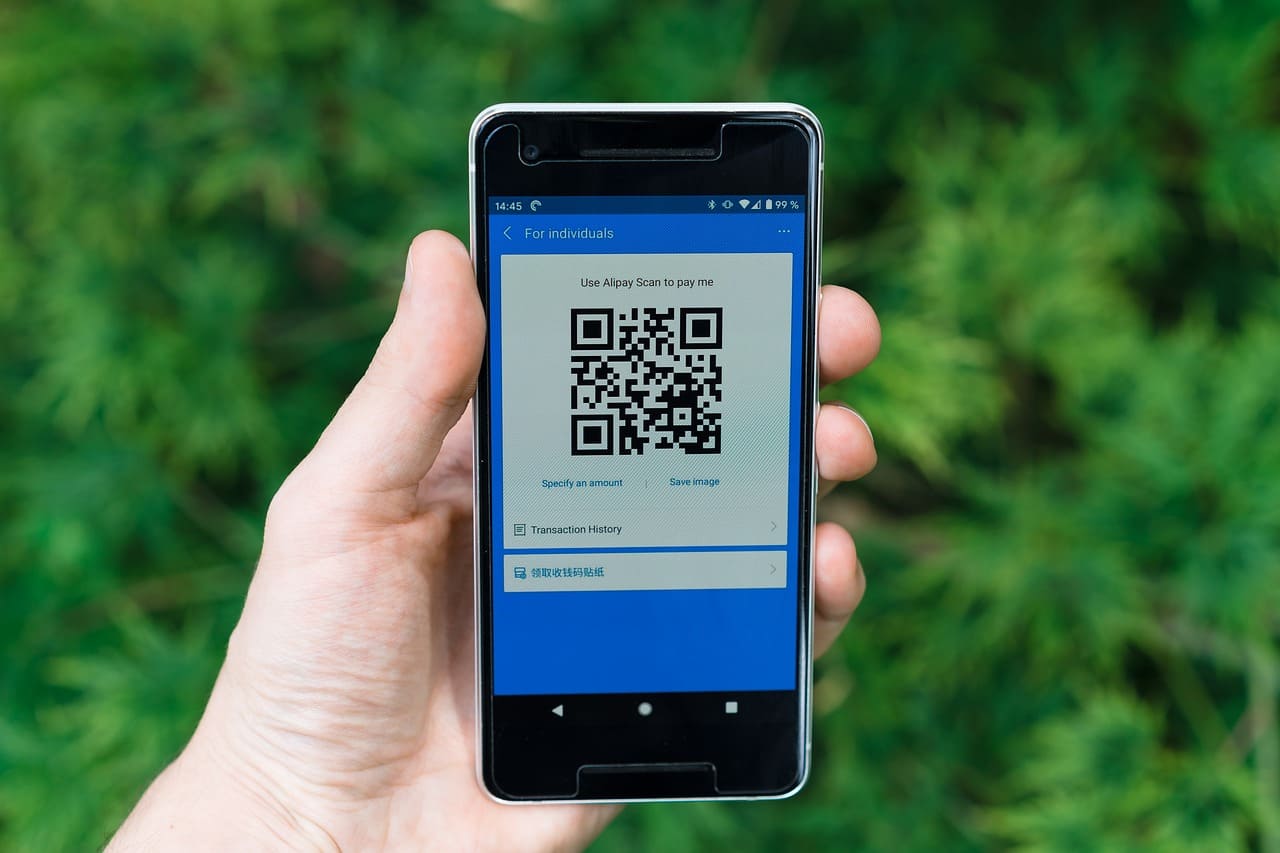
When you create a QR code, it encodes a URL. That URL is what the QR code points to. If the URL is your full original address—long, parameter-heavy, visually complex—the resulting QR code is denser and harder to scan at small sizes. But if the URL is a short alias, the QR code is simpler, cleaner, and more reliably scannable even when printed small on a label, a card, or a flyer.
AtomicURL generates QR codes directly. You create your branded alias, download the QR code, and both point to the same place. If you ever need to update the destination, you update the alias in the URL manager. The QR code image doesn't change—it still points to the same alias—but the destination behind it does. This is genuinely useful for anything printed or distributed physically, where regenerating and reprinting materials would be expensive and impractical.
A Note on Consistency Across Channels
One thing that takes a while to appreciate about branded short links: they create consistency in a way that longer URLs never could.
Your email links, your social posts, your printed materials, your spoken references in video content—when all of them use the same alias format, you're training your audience to recognize your link style. It becomes part of your brand presence in a subtle way. People start to associate that clean, readable link format with your reliability and professionalism.
This isn't something most people plan for deliberately. It tends to develop as a side effect of just using branded aliases consistently. But you notice it when it's there, and you notice the absence of it when you look at brands that don't bother—their links look fragmented and inconsistent across channels in a way that, cumulatively, erodes the impression of being organized.
Small thing. Real effect.
The Practical Starting Point
If you've been using auto-generated short links, or worse, pasting full original URLs everywhere and hoping people click them—switching to branded aliases is the kind of change that takes almost no effort and produces visible results.
Go to AtomicURL. Paste your URL. Name your alias something meaningful. Copy it with one click. That's literally the whole process. No account, no configuration, no learning curve.
The alias you create in the next five minutes could be on a social post, in an email, on a business card, or spoken aloud in your next video. It'll look intentional, it'll read as professional, and it'll make the decision to click significantly easier for anyone who sees it.
Spend the five minutes. Name your link something worth clicking.
Tags
#URLAlias #BrandedLinks #ShortLinks #URLShortener #DigitalMarketing #AtomicURL #VanityURL #ContentMarketing #LinkBuilding #SocialMediaMarketing #EmailMarketing #OnlineMarketing #MarketingTips #BrandStrategy #CustomLinks