
At some point, every person who uses short links regularly hits the same wall. The links exist. They're out there—in emails, in social posts, printed on flyers, sitting in spreadsheets someone made six months ago. But there's no single place to see all of them. No way to quickly check what's still active. No way to update a destination without going hunting for where the original link was created. Just a slow accumulation of links that technically work but are impossible to actually manage.
That's the problem a proper URL manager exists to solve. And the one built into AtomicURL is genuinely worth talking about—not because it's flashy, but because it handles the unglamorous side of link management that most tools either ignore or charge you premium prices to access.
The Mess That Builds Without a System
Here's a scenario that probably sounds familiar. You shorten a URL for a campaign. A few weeks later you create another one for a different promotion. Then a few more for social posts. Then some for a client. Over time, these links live in different places—a notes app here, a spreadsheet there, a browser bookmark folder, a Slack message you half-remember sending.
When something needs updating—say the destination URL changed because the product page moved—you have no efficient way to find the right short link, let alone update it cleanly. You end up creating a new short link and hoping you remember to replace the old one everywhere it appears. Which you usually don't, entirely.
This is how broken links happen. This is how redirect chains form. This is how campaigns quietly underperform because half the links in them are pointing somewhere outdated.
A URL manager centralizes all of this. One place where every link you've created lives, with the ability to see it, edit it, update its destination, or change its settings. That's not a complicated concept—but it's surprisingly rare to find done well without requiring a paid account or a complicated setup.
What the AtomicURL URL Manager Actually Gives You
The URL manager at AtomicURL is the command center for every link you create. Once you shorten a URL—whether it's one link or a batch of fifty—you can access and manage it from here. No account required to get started. That's still the case with the manager too, which is worth noting because most platforms make link management a premium feature locked behind sign-in walls.
You can see all your links in one organized view. You can update destinations without the short link itself changing—so anything pointing to that link, whether it's a QR code, a social post, a printed flyer, or an email that went out three months ago, continues to work correctly. The link stays the same; only the destination changes.
This might be the single most underappreciated feature in URL management. The ability to change where a link goes without breaking the link itself is enormously useful once you've been burned by the alternative. Anyone who's had to scramble to update a printed piece because the destination URL changed knows exactly what I mean.
The Controls That Matter Most
Beyond basic organization, the URL manager gives you meaningful control over how each link behaves. And some of these settings are more powerful than they might initially seem.
Custom link expiry is one I keep coming back to. You set a date, and the link stops working after that. No manual intervention needed. If you run time-sensitive promotions regularly—seasonal sales, limited-time offers, event registrations—this is the kind of automation that removes an entire category of "I need to remember to do that" tasks. The link expires. The offer ends. It just works.
Click-based expiry is a different flavor of the same idea. Instead of time, you set a threshold: after this many clicks, the link deactivates. This is genuinely useful for limited-availability situations—exclusive offers, capped registrations, early-access products where only a certain number of people should get through. Once the limit is hit, the link is done. You don't need to monitor it or manually close it off.
Password-protected links give you a layer of access control that most people don't think to look for in a URL shortener. Set a password on a link, and only people with the password can reach the destination. For anyone sharing content that isn't meant to be fully public—internal resources, private community content, client-specific pages—this is a clean solution that doesn't require building a full login system or gating content at the source.
One-time links take this even further. The link works once. The first person who clicks it gets through; after that it's expired. This is useful in specific situations—delivering exclusive content to a named individual, sending a single-use access link in a DM, distributing unique download links that shouldn't be shared further. It's a level of precision that's rare to find in tools that don't require a paid subscription.
All of these settings live in the URL manager, where you can configure them per link and adjust them as your needs change.
For Teams and Agencies: This Changes the Workflow
Let's be honest about something. A lot of link management frustration isn't personal—it's organizational. It happens when multiple people are creating, using, and referencing links, and there's no shared system for keeping track of any of it.
The URL manager addresses this by making links centrally accessible and editable. Instead of one person holding all the short links in their own notes and everyone else having to ask them for updates, the links are visible and manageable from one place.
The bulk URL shortener that feeds into the manager can handle up to 50 links at once, so even when a campaign involves a large number of URLs, processing them isn't a bottleneck. You shorten the whole batch, export the results as a CSV if you need them in a shareable format, and they all live in the manager going forward. Organized, accessible, manageable.
The CSV export feature is practical in ways that go beyond convenience. When you're reporting to clients, handing off a project, or just keeping records for your own campaigns, having a clean export of all your links—original URLs alongside their shortened versions—is the kind of documentation that saves time later. Not theoretical future time. Real time, on real deadlines.
QR Codes and Social Sharing, Right There in the Same Place
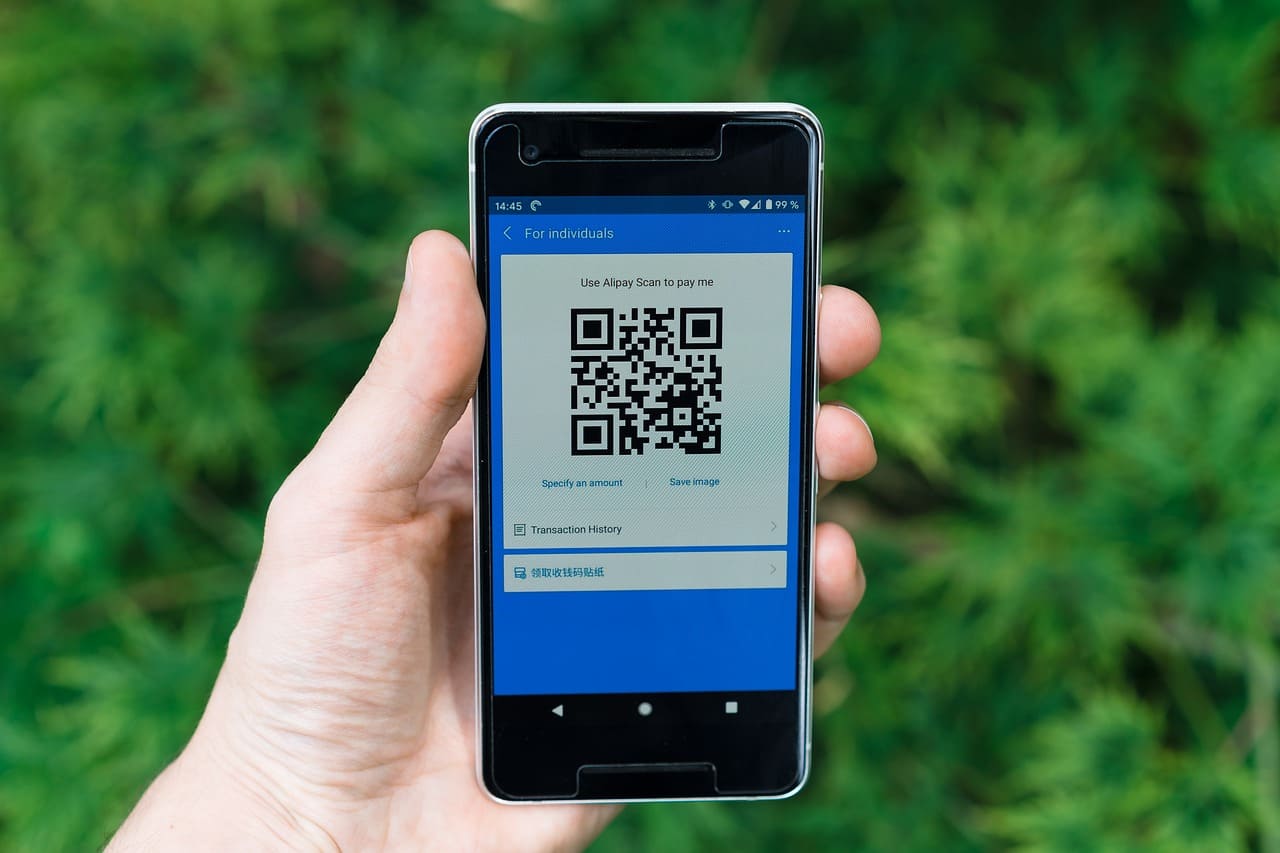
One detail that rounds out the URL manager is that QR code generation is part of the same workflow. Any link you manage can be turned into a QR code—generated and downloaded directly, without needing a separate tool.
This is actually significant for anyone who distributes links across both digital and physical channels. Your short link and your QR code point to the same place. When you update the destination in the URL manager, both update. You don't have to regenerate the QR code. You don't have to reprint anything as long as the QR code image itself stays the same. The underlying destination just changes wherever it needs to.
Quick-share buttons for various social platforms make it easy to push individual links directly from the manager to Twitter, Facebook, WhatsApp, LinkedIn, and other platforms without copying and pasting into each one separately. For people distributing links across multiple channels simultaneously, those extra clicks add up, and eliminating them matters.
The No-Account Thing Is Worth Dwelling On
I want to come back to something because it genuinely affects how useful this tool is for a lot of people. No sign-up required.
This sounds small but it's not. The friction of creating an account—email address, password, confirmation email, profile setup—is enough to make people abandon tools before they've actually tried them. And once you've created an account somewhere, you're mentally committed to that platform even if a better option exists.
AtomicURL's URL manager is accessible without any of that. You use the tool, you manage your links, and that's the relationship. No account maintenance. No wondering what happens to your data. No email list you accidentally signed up for. Just a clean, functional tool that does what it says.
Combined with unlimited links—no cap on how many you can shorten or manage—this is a tool that scales with your actual needs rather than your willingness to pay for a higher tier.
Redirection That Doesn't Make You Wait
One last thing worth mentioning because it's easy to take for granted until you've experienced the alternative: the redirection is fast. Genuinely fast. Lightning-fast, in the way that means your users aren't sitting on a loading screen between clicking a link and reaching the destination.
This matters especially for mobile users, which at this point is the majority of clicks on most short links. A sluggish redirect is noticeable on mobile in a way that desktop users might brush off. When someone taps a link on their phone and nothing seems to be happening, they hit back. The click is wasted. The reliable, fast redirection that comes with every link managed through AtomicURL is what prevents that from being a problem.
Wrapping Up
The URL manager isn't a flashy feature. It doesn't have the immediate "oh that's cool" moment that something like a QR code generator might. But it's the kind of tool that makes everything else you do with short links more sustainable.
You create links. Those links go places. Destinations change. Campaigns end. New promotions start. Without a system for managing all of that, you end up with the mess described at the start of this piece—links scattered everywhere, no visibility into what's active, no ability to update anything without breaking something.
The AtomicURL URL manager is the system. Centralized, organized, controllable, and free to use without an account. If you're creating links regularly and not managing them from one place, this is the part of your workflow that's worth fixing first.
Tags
#URLManager #LinkManagement #URLShortener #DigitalMarketing #MarketingTools #AtomicURL #ShortLinks #ContentMarketing #SocialMediaMarketing #MarketingProductivity #LinkTracking #QRCodes #CampaignManagement #SmallBusinessMarketing #MarketingStrategy