
There's a moment every content creator, marketer, or project manager knows a little too well: you've got a link you need to share — but not with absolutely everyone who might stumble across it. Maybe it's an early-access resource for paying members. Maybe it's a private document you're sending to a select group. Maybe you've just got files that need an extra layer of "hey, you sure you're supposed to be here?" before anyone gets through.
That's the gap AtomicURL just filled. And honestly? It's about time.
Password-protected short links are now live on AtomicURL, and they slot into a platform that was already doing a lot more than most people realize. Let's actually talk about why this matters — and why this tool, as a whole, is worth your attention.
First, What Even Is AtomicURL?
If you haven't used it yet, AtomicURL is a URL shortener. But calling it just a URL shortener is a bit like calling a Swiss Army knife just a blade. The platform has been quietly building out a surprisingly complete set of features — no sign-up required, which is still one of the most underrated things about it.
You don't have to hand over your email address to start shortening links. You just go, paste, and get a short URL instantly. That kind of zero-friction experience is rare, and it's genuinely useful when you're in a hurry.
Beyond that, the feature set covers a lot of ground:
- Customizable links — so instead of a random string of characters, you can create something readable and branded
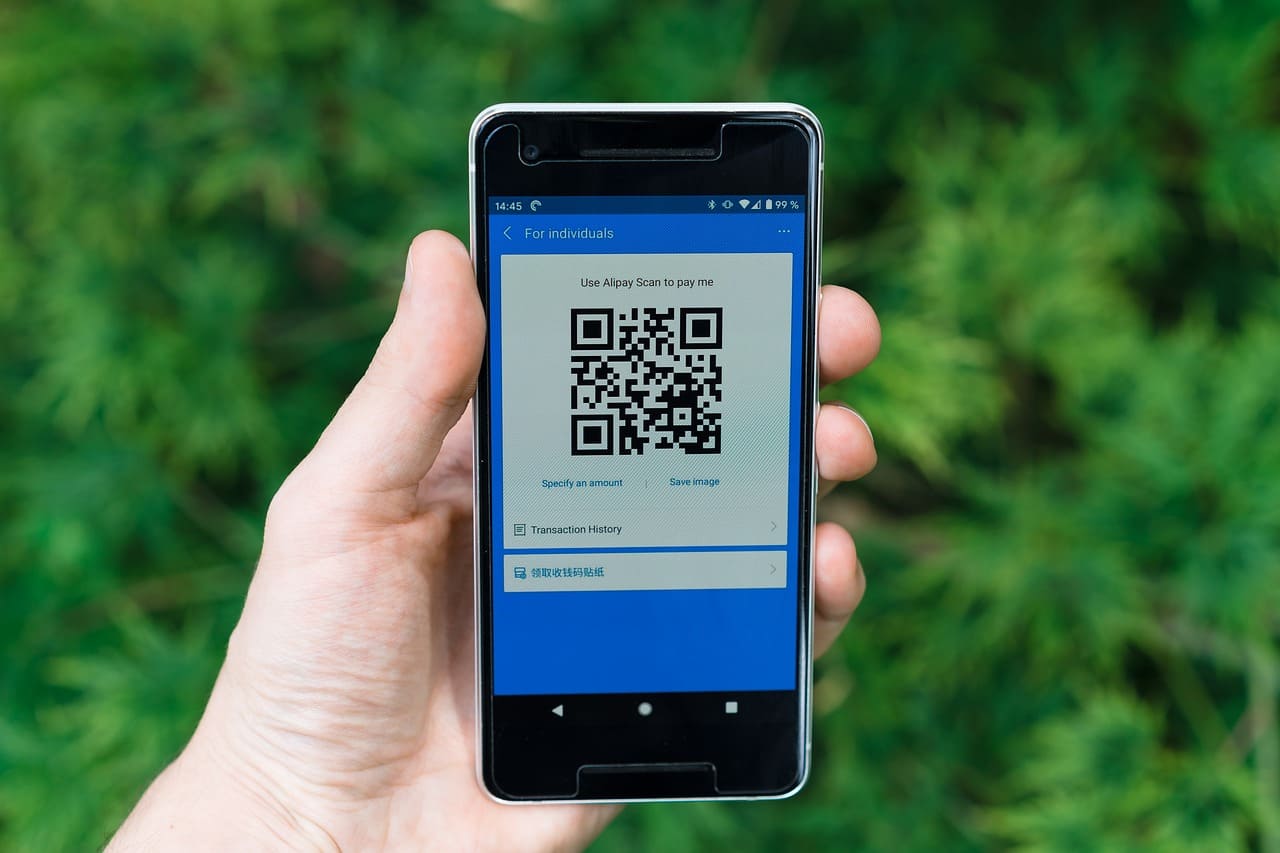
- QR code generation and download — useful for print materials, events, packaging, anything physical
- Quick-share buttons for common social platforms, so you're not copying and pasting across five different tabs
- Bulk URL shortening — up to 50 URLs at once, which is a lifesaver for anyone managing campaigns or content libraries
- CSV export — bulk shorten, then download the whole list neatly organized
- One-click copy — sounds small, but the seconds add up
- Unlimited links — no caps, no "upgrade to continue" prompts
- Lightning-fast redirection — visitors aren't sitting there watching a loading spinner
- Custom link expiry — set a date, and the link quietly stops working after that
- Click-based expiry — the link deactivates after a certain number of clicks
- One-time links — works once, then it's gone
And now, on top of all that: password-protected links.
Why Password Protection Changes Things
Here's the thing about most URL shorteners — they're built on the assumption that you want traffic. That sharing widely is always the goal. But that's not always true.
Sometimes you're sharing a proposal with a client and you don't want it indexed, forwarded freely, or stumbled upon by a competitor. Sometimes you're running a members-only download. Sometimes you've got a preview of something that's not quite ready for the public, and you want collaborators to access it without having to build a whole gated system.
Password-protected short links solve all of these without any technical setup. You shorten the URL, add a password during the creation step, and that's it. Anyone who follows the link gets a password prompt before they land on the destination. Simple, effective, and doesn't require you to own a server or configure a single thing.
What makes this implementation clean is that it doesn't complicate the experience for legitimate users either. The password screen is quick. The redirect after entering it is fast — AtomicURL's infrastructure is already built for speed, and that carries through even when the extra authentication layer is in play.
Who Actually Needs This?
Let's be honest: for a lot of casual link-sharing, password protection is overkill. If you're dropping a YouTube video in a group chat, you don't need this feature. But there's a broader slice of use cases than you might initially think.
Freelancers and consultants sharing deliverables with clients often want some control over who can access files. Emailing a raw link to a Google Doc feels exposed. A password-protected short link adds a small but meaningful barrier — it signals that this is a private resource, not a public one.
Marketers running time-sensitive campaigns can pair password protection with click-based expiry or custom date expiry. You get a link that only works during a specific window and only for people who have the password. That's a tight, controllable distribution channel built entirely from a free tool.
Educators and course creators dealing with downloadable materials — workbooks, templates, slides — can use one-time links or password protection depending on the scenario. One-time links work well for personalized delivery. Password-protected links work better when you want a small group to have ongoing access without publishing the destination URL openly.
Internal teams sharing staging environments, internal docs, or pre-release content benefit from this too. It's not a replacement for enterprise security, obviously, but for "we just need something quick and it shouldn't be wide open," it works.
The Combination Features Are Where It Gets Interesting
You might notice that when you start stacking AtomicURL's features together, the possibilities get genuinely creative.
Imagine you're launching a product. You create a short, branded, customizable link — something like atomicurl.com/early-access — with a password known only to people on your waitlist. You set a click-based expiry so the link deactivates after a set number of uses. You generate a QR code version for your email header. And you set a date-based expiry so the link stops working after launch day.
That's a sophisticated, controlled distribution flow built with a tool that took you about three minutes to configure. No developer required. No paid tier. Just a thoughtful use of features that are already there.
The bulk shortener and CSV export add another dimension for anyone managing larger-scale operations. If you're handling a content marketing campaign with dozens of pieces, shortening them one by one is tedious. Bulk import, export the CSV, and you've got a clean record of every link, its destination, and whatever settings you applied — all at once.
Speed Is Still the Foundation
It's easy to get caught up in the feature list and forget that the core function of a URL shortener is the redirect. Everything else is noise if the actual link experience is slow.
AtomicURL's redirects are fast. Genuinely fast, not "we claim it's fast" fast. The infrastructure is built to minimize latency at the redirect layer, which matters more than most people think. A sluggish redirect doesn't just waste a second — it breaks trust. People click a link and assume something is wrong. Bounce rates climb. The purpose of the link is undermined.
Reliable performance matters too. A short link that's intermittently down is worse than a long URL. AtomicURL's uptime and consistency mean that once you share a link, you don't have to worry about it quietly failing at some inconvenient moment.
No Sign-Up Is Still a Big Deal
I keep coming back to this because it genuinely shapes how the tool gets used. When there's no account creation barrier, people actually use the tool when they need it rather than putting it off. The cognitive overhead of "I'll set this up later" disappears.
That said, the no-sign-up model doesn't limit functionality in any meaningful way. You still get every feature listed above, including the new password protection. You still get QR codes, bulk shortening, custom expiry, one-time links — all of it, without handing over an email address.
For users who want to manage links over time, the customizable link feature adds enough memorability that you don't necessarily need an account dashboard to stay organized. You create a memorable slug, write it down, and you're good.
A Genuine Step Forward
Password-protected short links aren't a flashy gimmick. They solve a real, recurring problem — the need to share a destination URL with a defined audience and no one else — without requiring the user to set up infrastructure, learn a new system, or pay for a premium tier.
What AtomicURL has built, link by link, is a tool that handles an increasingly wide range of sharing scenarios from a single, fast, no-friction interface. The new password protection feature is a natural extension of that philosophy: give people control over their links, trust them to know what they need, and keep the experience as lightweight as possible.
If you've been using it just for quick shortening, it might be worth revisiting what else is sitting there ready to use. And if you're new to it — well, you don't even need to sign up to find out.
Frequently Asked Questions
Q: Do I need to create an account to use password-protected links on AtomicURL? Nope. AtomicURL doesn't require sign-up for any of its features, including password protection. You paste your URL, set a password, and your link is ready — no email address, no registration.
Q: How does the password protection actually work for the person clicking the link? When someone clicks a password-protected short link, they land on a simple prompt asking for the password before being redirected. Once they enter it correctly, the redirect happens instantly. It's frictionless for anyone who has the password, and a clean wall for anyone who doesn't.
Q: Can I combine password protection with other features like link expiry? Yes, and that combination is honestly one of the most useful things about AtomicURL. You can stack password protection with a custom expiry date, click-based expiry, or both. So the link can expire after a set number of uses and require a password — giving you tighter control over who accesses it and for how long.
Q: What's the difference between a one-time link and a password-protected link? A one-time link self-destructs after a single click — ideal for highly sensitive or personalized content. A password-protected link can be used multiple times (or a set number of times if you add click-based expiry) by anyone who has the password. Use one-time links when you need truly single-use delivery; use password protection when a small group needs repeated access.
Q: Is there a limit to how many password-protected links I can create? AtomicURL offers unlimited links, so no — there's no cap. You can create as many password-protected short links as you need without hitting a limit or being pushed toward a paid plan.
Q: Can I shorten multiple URLs and add passwords to each one in bulk? The bulk shortener lets you process up to 50 URLs at once and export them as a CSV. Password settings are configured per-link during creation, so for bulk operations you'd apply settings individually. For large-scale protected link distribution, the bulk + CSV combo still saves significant time.
Q: What happens to a password-protected link after it expires? If you've set a date-based or click-based expiry, the link simply stops working once that threshold is reached. Visitors will see an expired link notice rather than a password prompt. The expiry overrides everything — even users with the correct password can't get through after the link has run its course.
Q: Can I generate a QR code for a password-protected short link? Yes. QR code generation is available for all short links on AtomicURL, including password-protected ones. The QR code leads to the same password prompt as the URL itself — useful for events, printed materials, or any scenario where you want physical-world access to a gated resource.
Q: Is AtomicURL free to use? Based on its current feature set — unlimited links, no sign-up required, QR codes, bulk shortening, password protection, custom expiry — AtomicURL operates on a no-cost, no-friction model. There's no mentioned paywall or premium tier for the features described here.
Q: How do I share the password with the intended recipients without compromising security? That part is on you — AtomicURL handles the link side, but how you communicate the password is your call. Most people send the password through a separate channel from the link itself (e.g., link in an email, password in a text message). That small separation meaningfully reduces accidental exposure.
Tags
#AtomicURL #URLShortener #PasswordProtectedLinks #LinkManagement #ShortLinks #QRCode #BulkURLShortener #DigitalMarketing #ContentMarketing #LinkExpiry #OneTimeLinks #FreeTool #NoSignUp #CyberSecurity #MarketingTools #LinkSharing #CustomLinks #URLManagement #ProductivityTools #OnlineTools