
Here's something that most link-sharing advice glosses over completely: the URL itself is part of your marketing copy. Not a technicality. Not an afterthought. The words sitting between the slashes are a tiny but surprisingly decisive piece of real estate — and most people are wasting it.
I've spent a fair amount of time testing this. Not in some giant scientific study with thousands of data points, but in the way most working bloggers and content people actually test things — obsessively watching what gets clicked versus what doesn't, and noticing patterns. And the pattern around custom URL aliases is clearer than I expected.
Let's actually dig into this properly.
Why the URL you share matters more than you think
When someone sees a link — whether in an email, a tweet, a Slack message, or a text — they make a split-second judgment. They can't see the landing page yet. They can't read the headline. All they have is a URL, and their gut's running a quick calculation: is this worth clicking?
A long, auto-generated string of characters like bit.ly/3xQm7Yp tells them nothing. It could be anything. Spam. A phishing attempt. Something totally irrelevant. Their hesitation is rational.
A URL like atomicurl.com/free-seo-tools? Now they know where they're going, and the destination sounds useful. That tiny change — just a few words — meaningfully shifts the decision.
The URL you share is often the only preview your audience gets before they decide whether to trust you.
This is where custom URL aliases come in. Instead of accepting whatever random string a link shortener spits out, you define a short, readable, intention-revealing slug. And the way you write that slug has real consequences for your click-through rate.
The anatomy of a high-CTR URL alias
There's no single formula, but there are patterns. After enough observation, some principles start to emerge.
Clarity beats cleverness almost every time. I know it's tempting to come up with something punchy or branded-sounding. And branding isn't bad. But if someone reads your URL and still isn't sure what's on the other side of it, you've already lost. The click-through decision is happening in under a second. "Clever" takes longer to process than "clear."
Think about the difference between /the-strategy and /email-growth-strategy. The second one works harder. It answers the "what is this?" question before the person even has to ask.
But here's the thing — clarity doesn't mean stuffing in a dozen keywords. The best aliases tend to be three to five words, max. Short enough to be readable at a glance, specific enough to communicate intent. It's a narrow target, which is probably why most people miss it.
Match the alias to the audience's language, not yours
This one trips people up constantly, especially marketers and writers who are deep inside their own industry.
You might call your content a "content repurposing framework." Your audience might be searching for "how to reuse blog posts." These are not the same words, and people are likelier to click a URL that uses their vocabulary. It signals that what's on the other side was written for them.
A quick way to find the right language: look at how your audience phrases their questions in forums, comments, or social posts. The words that keep appearing in Reddit threads or Twitter discussions around your topic? Those are your URL words. They're already trusted vocabulary.
Practical note
Tools like AtomicURL let you set and manage custom slugs easily — meaning you can update and test different aliases without changing the destination link. That flexibility makes it much easier to actually experiment with this stuff instead of just theorizing about it.
Emotion, urgency, and the quiet power of specificity
Let's be honest: most URL aliases are bland. Even when people put effort into them, they tend to default to safe, neutral descriptions. "Marketing-guide." "SEO-tips." "Free-download." These aren't wrong, but they don't do any extra emotional work.
Specificity is one of the underused levers here. Compare /seo-guide to /seo-audit-checklist-2025. The second version answers more questions before the click: What kind of SEO content? What format? How current is it? Every answered question reduces friction.
Urgency and scarcity can work too — but they've been beaten to death. "Limited-offer" in a URL feels like an ad. Specificity feels like value. There's a difference between a URL that feels like it's selling to you and one that feels like it's helping you.
Something like /stop-losing-email-subscribers works because it speaks directly to a pain point. It implies: "I've been there, here's what I learned." That's not urgency-bait — that's empathy encoded into a slug.
Short domains + readable aliases = the combo people actually remember
This is worth a dedicated mention because it's easy to fix and often ignored. Your alias can be perfect, but if the domain it's sitting on is long and forgettable, the full URL is still a mouthful. That matters especially when URLs get shared verbally, in print, on slides, or anywhere they can't be clicked directly.
A clean shortened URL with a custom alias — something you'd get from a service like atomicurl.com — gives you the combination of a compact base domain and a meaningful slug. The result is something that fits in a tweet, reads naturally in a bio, and doesn't make someone's eyes glaze over when they see it.
There's also a subtle trust signal at play. A custom alias on a clean short domain looks intentional. It looks like you cared. That feeling — "this person put thought into this" — transfers, almost unconsciously, to expectations about the content itself.
What to actually avoid
Some of this is obvious but worth saying plainly. Avoid hyphens beyond two or three — they start looking like dashes in the wrong context and make the URL harder to type. Avoid numbers unless they're meaningful (like a year or a specific quantity). Avoid abbreviated versions of longer words that aren't immediately clear — "mktg-strat-framework" is shorter but costs readability.
Also: avoid using the same alias pattern for everything. If every URL you share ends in something like /guide or /tips, they become invisible to your audience because there's no differentiation. Mix it up. Let the format of the content show up in the alias sometimes — "checklist," "template," "walkthrough," "case-study" — these words carry implicit promises about what clicking will actually get someone.
One thing I've seen backfire: aliases that are too cute or reference an internal joke or campaign name that nobody outside your team would understand. These work great in internal Slack, not so much for an audience that's seeing your link for the first time.
Testing actually matters here
Most people treat URL selection as a one-time decision. Set it, forget it. That's a missed opportunity.
If you're driving traffic through the same link in multiple channels — email, social, a newsletter, a guest post — you can use different aliases pointing to the same destination and track which performs better. That's A/B testing your URL the same way you'd test an email subject line. It's a bit obsessive, maybe. But the data you get is real and actionable.
And since you're already using a service that lets you customize aliases, the lift is minimal. Change the slug. Share both versions. See which one gets clicked more. Over time, you'll develop a gut sense for which alias styles land with your specific audience — and that's worth more than any general advice, including this.
Your audience is training you, if you're paying attention. The clicks — and the lack of them — tell you what's working.
A word on consistency and brand building
There's a longer-term play here that doesn't get talked about enough. When your URLs are consistently readable, consistently specific, and consistently on-brand, they start to function as a recognizable pattern. People who've clicked your links before begin to associate your URL style with quality.
This is a slow effect, not an overnight one. But think about how you react when you see a link from a source you've trusted before. You're more likely to click. That trust is partly built on their content — but it's also built on every small signal that came before, including the professionalism and clarity of how they share things.
Custom URL aliases are a tiny part of that. But "tiny part of a trust-building system" is not the same as "unimportant."
Putting it together
So here's the practical summary, for anyone who wants to close this tab with something actionable:
Choose clarity over cleverness. Use the language your audience actually uses. Keep it between three and five words when possible. Let the format of your content show up in the alias when it adds value. Pair the alias with a clean, short domain — platforms like AtomicURL exist precisely for this. And actually test different versions instead of just guessing.
The URL is not a throwaway decision. It's the handshake before the door opens. Make it firm. Make it clear. Make it say something about what's on the other side.
You might be surprised how much difference a few words can make.
Tags
#AtomicURL #URLshortener #CustomAlias #ClickThroughRate #LinkManagement #DigitalMarketing #SEOTips #BrandedLinks

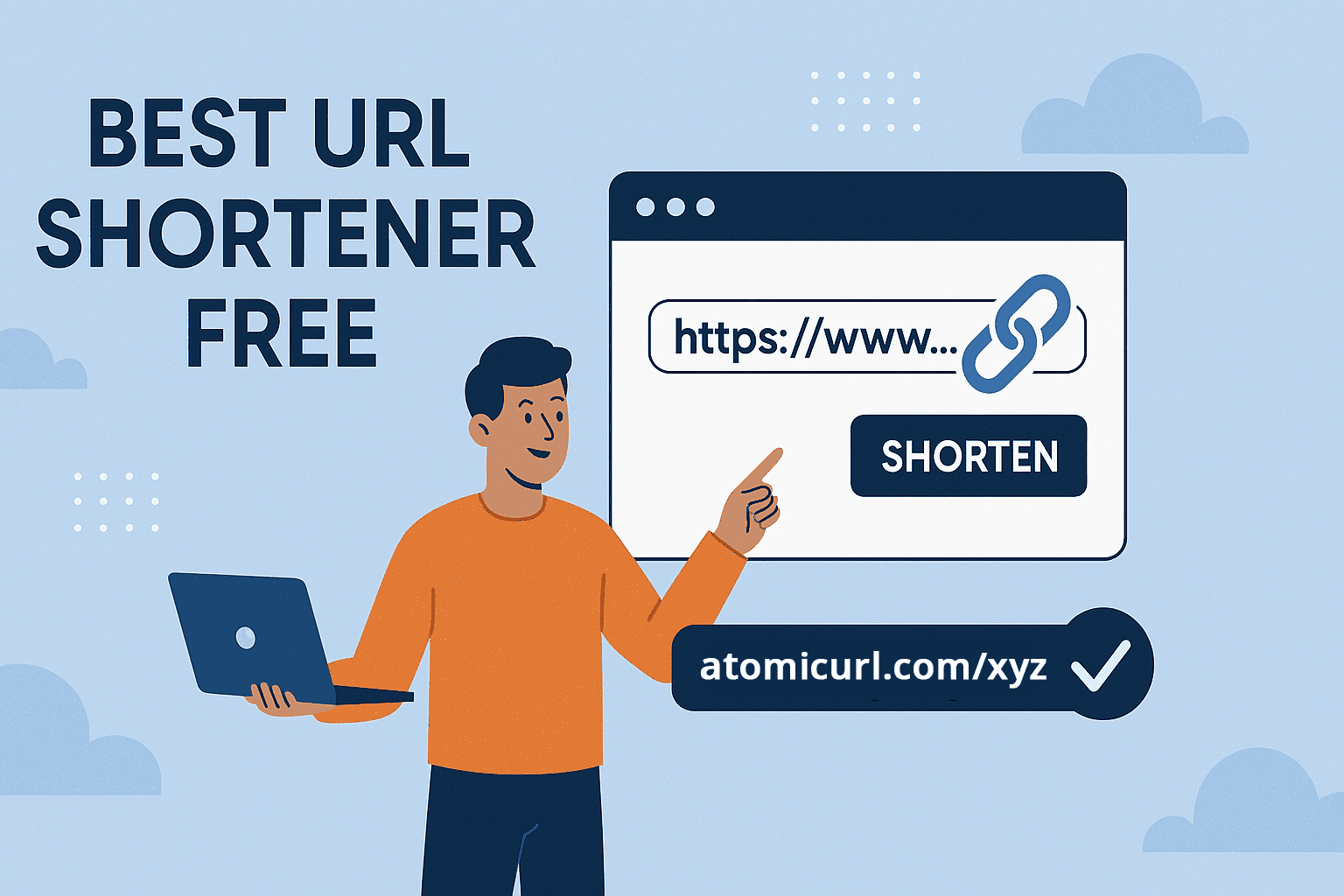
_Image_2.jpg)