
You're about to share a link on Twitter, but it's 150 characters long and looks like someone smashed their keyboard. Or maybe you're tracking clicks for a client campaign and need something better than "bit.ly/3xK9pQz."
Sound familiar?
Whether you're a blogger tracking engagement, a freelancer managing client links, or a small business owner running social campaigns, you need a URL shortener that actually works—without charging you for basic features.
This guide walks you through what makes a good free URL shortener, how to pick one that fits your needs, and common mistakes people make when shortening links.
What Is a URL Shortener and Why Does It Matter?
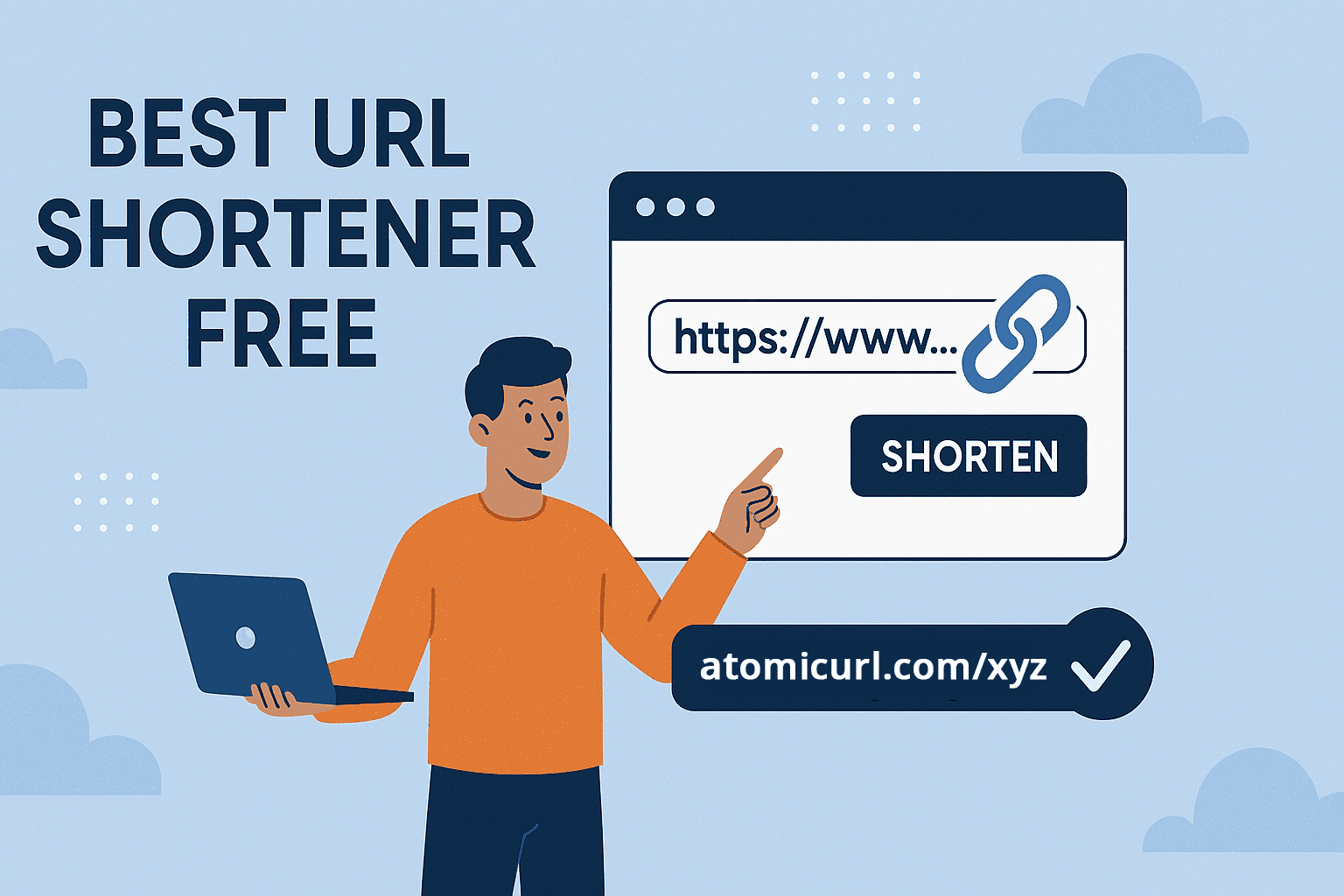
A URL shortener takes long web addresses and converts them into compact, shareable links. Instead of posting "https://yourwebsite.com/blog/2025/february/how-to-grow-your-email-list-with-content-marketing," you get something like "atomicurl.com/grow-list."
The benefits go beyond saving characters:
Cleaner appearance: Short links look professional in emails, social posts, and print materials. Nobody wants to read a paragraph-long URL on a business card.
Better tracking: Most shorteners show you how many people clicked your link, where they're from, and when they clicked. This data helps you understand what content resonates with your audience.
Easy editing: Some tools let you change where a shortened link points without creating a new one. This is incredibly useful for updating seasonal campaigns or fixing broken pages.
Branding opportunities: Custom short links with your domain name build trust and recognition. Compare "bit.ly/abc123" to "yourbrand.com/offer."
For freelancers pitching clients, bloggers sharing content, or marketers running campaigns, these features turn simple links into powerful tools for communication and analysis.
How to Choose the Best Free URL Shortener
Not all shorteners are created equal. Here's what separates the useful ones from the frustrating ones:
No account requirement: The best free tools let you shorten links immediately without signing up. Creating yet another account for a simple task wastes time.
Clean, short URLs: The whole point is brevity. If your "short" link is still 20 characters of random letters and numbers, you haven't gained much.
Reliable uptime: Your shortened links need to work when people click them. A service that goes down regularly defeats the purpose entirely.
Basic analytics: Even free plans should show click counts and basic geographic data. This information helps you measure content performance without complex tools.
Bulk shortening: If you manage multiple campaigns or share lots of content, creating links one at a time becomes tedious. Bulk tools save hours.
Link management: Being able to view, organize, and delete your shortened URLs matters more than most people realize. Losing track of which link goes where creates unnecessary confusion.
No sketchy redirects: Some free services inject ads or warnings before sending visitors to your destination. This looks unprofessional and damages trust with your audience.
How URL Shortening Actually Works
The process is simpler than most people think:
Step 1: Paste your long URL
Copy the link you want to shorten from your browser or document. It can be from any website—your blog, a YouTube video, a product page, or anywhere else.
Step 2: Generate the short link
The tool creates a unique short code and stores it in a database alongside your original URL. This code becomes part of your new, compact link.
Step 3: Share your shortened URL
Copy the new link and use it wherever you need—social media posts, email newsletters, text messages, or printed materials.
Step 4: Track performance (optional)
If your shortener includes analytics, you can monitor how many people click your link, where they're located, and what devices they use.
Behind the scenes, when someone clicks your shortened link, they hit the shortener's server first. The server looks up your short code, finds the original URL, and redirects the visitor there—all in milliseconds.
For example, with AtomicURL, you just paste your link and get a shortened version instantly. No registration, no waiting, no complexity.
Common Mistakes When Using Link Shorteners
Even with simple tools, people make errors that reduce effectiveness:
Using generic shorteners for professional work: Free services like bit.ly work fine for personal use, but for business communications, generic shortened links can appear less trustworthy than branded alternatives.
Not testing links before sharing: Always click your shortened URL to verify it leads to the correct destination. A typo in your original link means your short link will also be wrong.
Shortening already-short URLs: If your link is "example.com/sale," shortening it to "xyz.co/abc123" makes it longer and less readable. Save shortening for links that actually need it.
Ignoring link expiration: Some services automatically delete old links. If you're sharing a link in a book, printed guide, or evergreen content, make sure it won't disappear.
Creating too many random short links: Without organization, you'll forget which shortened URL goes where. Use descriptive slugs when possible, like "/newsletter" instead of "/xK92p."
Not checking analytics: If you're shortening links for work, actually look at the click data. Those numbers tell you what content works and what doesn't.
Using shortened links for SEO purposes: Search engines generally handle redirects fine, but shortened links don't pass as much authority as direct links. Use them for sharing and tracking, not for building backlinks.
Why Beginners and Small Teams Need Simple Tools
Complex analytics platforms intimidate people who just want to track basic engagement. When you're starting out, you don't need heat maps, A/B testing, or conversion funnels. You need to know if people are clicking your links.
Free URL shorteners democratize access to basic web tools. A freelancer shouldn't need a $50/month subscription to track which portfolio pieces potential clients view. A blogger shouldn't need technical skills to see which social platform drives the most traffic.
The best free options give you exactly what you need without overwhelming features or paywalls. AtomicURL's bulk shortener lets you create multiple links at once, while the URL manager keeps everything organized—no account required.
This accessibility matters because marketing shouldn't be exclusive to people with big budgets or technical backgrounds. Simple tools level the playing field.
Real-World Use Cases for URL Shortening
Understanding practical applications helps you see where shortened links fit into your workflow:
Social media marketing: Twitter's character limit makes every letter count. Short links leave room for actual message content instead of eating your entire tweet with a URL.
Email campaigns: Long URLs in emails often break across multiple lines or get flagged as spam. Clean, short links improve deliverability and appearance.
Print materials: Business cards, flyers, and brochures have limited space. A short, memorable link is readable even in small print and easy for people to type manually.
Podcast show notes: Listeners can't click audio. Giving them a simple URL to remember and type later increases the chance they'll actually visit your site.
Client reporting: Freelancers and agencies can create branded short links for each campaign, making it easy to show clients exactly how their content performs.
Affiliate marketing: Many affiliate links are incredibly long and suspicious-looking. Shortening them (while staying within program rules) can improve click-through rates.
Event promotion: A short, memorable link like "yourevent.com/tickets" is much easier to promote than a Eventbrite URL with 40 random characters.
When Free Is Actually Better Than Paid
Some people assume paid tools are always superior, but for link shortening, that's not necessarily true. Here's when free makes perfect sense:
You're just starting out and need basic functionality without monthly costs eating into your budget. Most free shorteners handle the essentials perfectly well.
You're a hobbyist blogger or small creator who shortens a few dozen links per month. Paying for enterprise features you'll never use is wasteful.
You need immediate access without approval processes or credit card requirements. Free tools let you start working right now.
You're testing different platforms to find what works for your workflow. Trying multiple free options before committing to a paid plan is smart.
You only need core features like link creation, basic analytics, and simple management. Fancy add-ons don't improve results if you're not using them.
What About Privacy and Security?
This concern comes up often, and it's valid. When you use a URL shortener, you're technically adding a middleman between your audience and your content.
Look for services that:
- Don't inject advertising or tracking beyond basic click analytics
- Use HTTPS to encrypt the redirect process
- Have a clear privacy policy about data handling
- Don't sell your click data to third parties
- Allow you to delete links and associated data
Free doesn't mean sketchy. Many legitimate services offer free tiers simply to introduce people to their platform, with paid upgrades available for power users who need advanced features.
If you need to expand a shortened link before clicking it (maybe someone sent you one and you want to verify the destination), tools like AtomicURL's URL expander let you preview where a link goes without visiting it.
Features That Actually Matter for Most Users
When evaluating options, focus on what you'll genuinely use:
Custom slugs: Being able to choose "yoursite.com/spring-sale" instead of "yoursite.com/9xKp2" makes links memorable and professional.
Link editing: Changing where a shortened URL points without creating a new one saves time and prevents broken links in already-published content.
QR code generation: Many shorteners automatically create QR codes for your links, useful for print materials and contactless sharing.
Bulk operations: Creating, editing, or deleting multiple links at once becomes essential once you manage more than a handful.
Simple interface: You shouldn't need a tutorial to shorten a link. The best tools are immediately intuitive.
Mobile-friendly: You often need to create or check links from your phone. Make sure the service works well on small screens.
Frequently Asked Questions
What's the difference between a free and paid URL shortener?
Paid versions typically offer custom domains, advanced analytics, team collaboration features, API access, and higher volume limits. Free versions cover basic shortening, simple analytics, and moderate usage limits. For most individuals and small businesses, free tools provide everything needed.
Are shortened links bad for SEO?
Shortened links use 301 redirects, which pass most link authority to the destination page. However, for on-site SEO purposes, use direct links. Save shortened URLs for social sharing, email marketing, and tracking external traffic where you need analytics.
Can I customize my shortened URLs?
Many free shorteners let you create custom slugs for your links. Instead of random characters, you can choose descriptive endings like "/newsletter" or "/demo." This improves memorability and trust with your audience.
Do URL shorteners track user data?
Most shorteners collect basic analytics like click counts, geographic location, device types, and referral sources. This data helps you understand your audience without violating privacy. Read the service's privacy policy to understand exactly what they track and how they use it.
What happens if a URL shortening service shuts down?
Your shortened links would stop working. This is why it's important to use reliable services with good uptime records. For critical links in permanent content (like books or long-term websites), consider using your own custom domain with a shortening service, which gives you more control.
Getting Started: Keep It Simple
The best approach to link shortening is starting small and expanding as needed. Begin with a reliable free tool, shorten a few links, check the analytics, and see how it fits your workflow.
Don't overthink the process. You're not committing to a lifetime relationship—you're just making your links shorter and trackable.
Visit AtomicURL, paste your long URL, and get a shortened version in seconds. No account, no fees, no complexity. If you need more features later, you'll know exactly what to look for based on real experience.
The goal isn't to become a link management expert. It's to share your content more effectively, track what resonates with your audience, and make your online presence more professional.
Start with one link. See the difference it makes. Build from there.
URL shortening shouldn't be complicated or expensive. The right free tool gives you clean links, useful analytics, and time savings without charging for features you don't need. Focus on simplicity, test your links before sharing them, and pay attention to what the click data tells you about your audience.
If you enjoyed this article, you may also like:
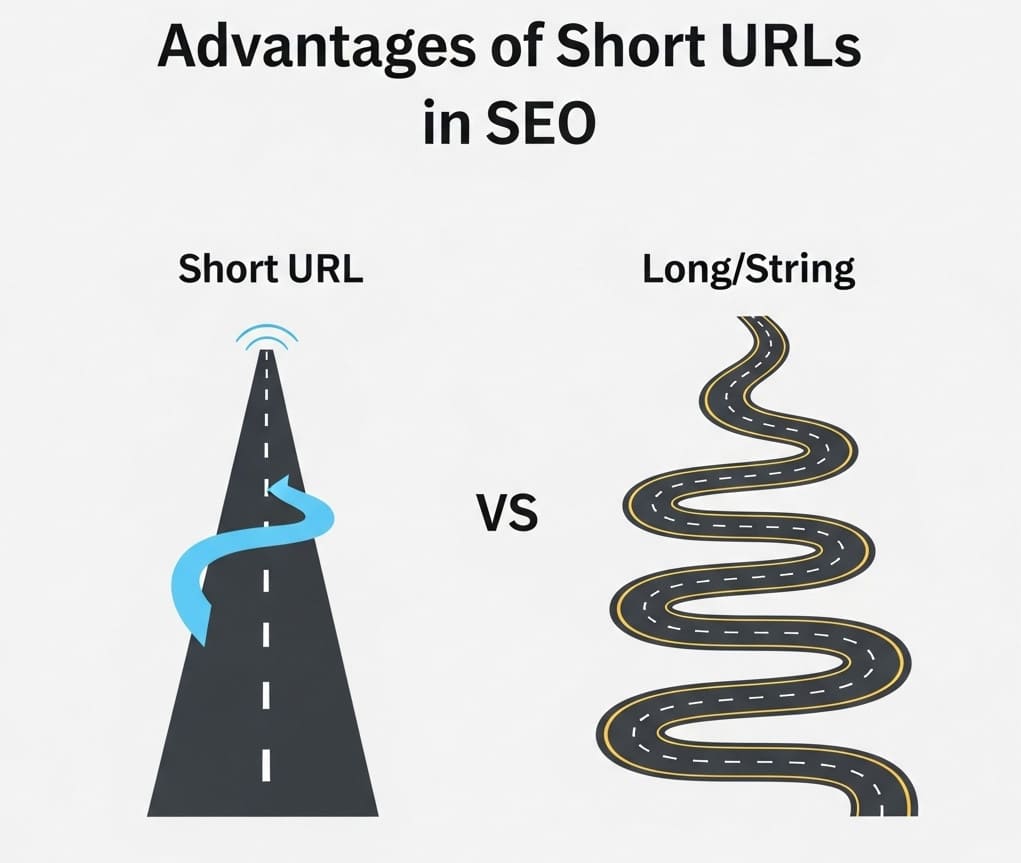
_Image_2.jpg)