
You're about to share a link in your Instagram bio. Or maybe you're scheduling tweets for the week. Then it hits you—that URL is absurdly long, ugly, and eats up half your character count.
So you Google "URL shortener," click the first result, and... they want you to sign up. Email, password, verification, the whole dance. You just need one short link, not a relationship.
Here's the thing: you don't always need an account to shorten URLs. There are tools built specifically for people who want quick, simple links without the friction of registration. This guide explains how they work, why they matter, and how to use them effectively.
Why We Built a Free URL Shortener Without Account?
During the development of AtomicURL(https://atomicurl.com), we realized users wanted a free URL shortener without an account.That insight led us to create a fast, straightforward solution that works instantly.
What Is a Free URL Shortener Without Account?
It's exactly what it sounds like—a web tool that condenses long URLs into shorter ones, no sign-up required.
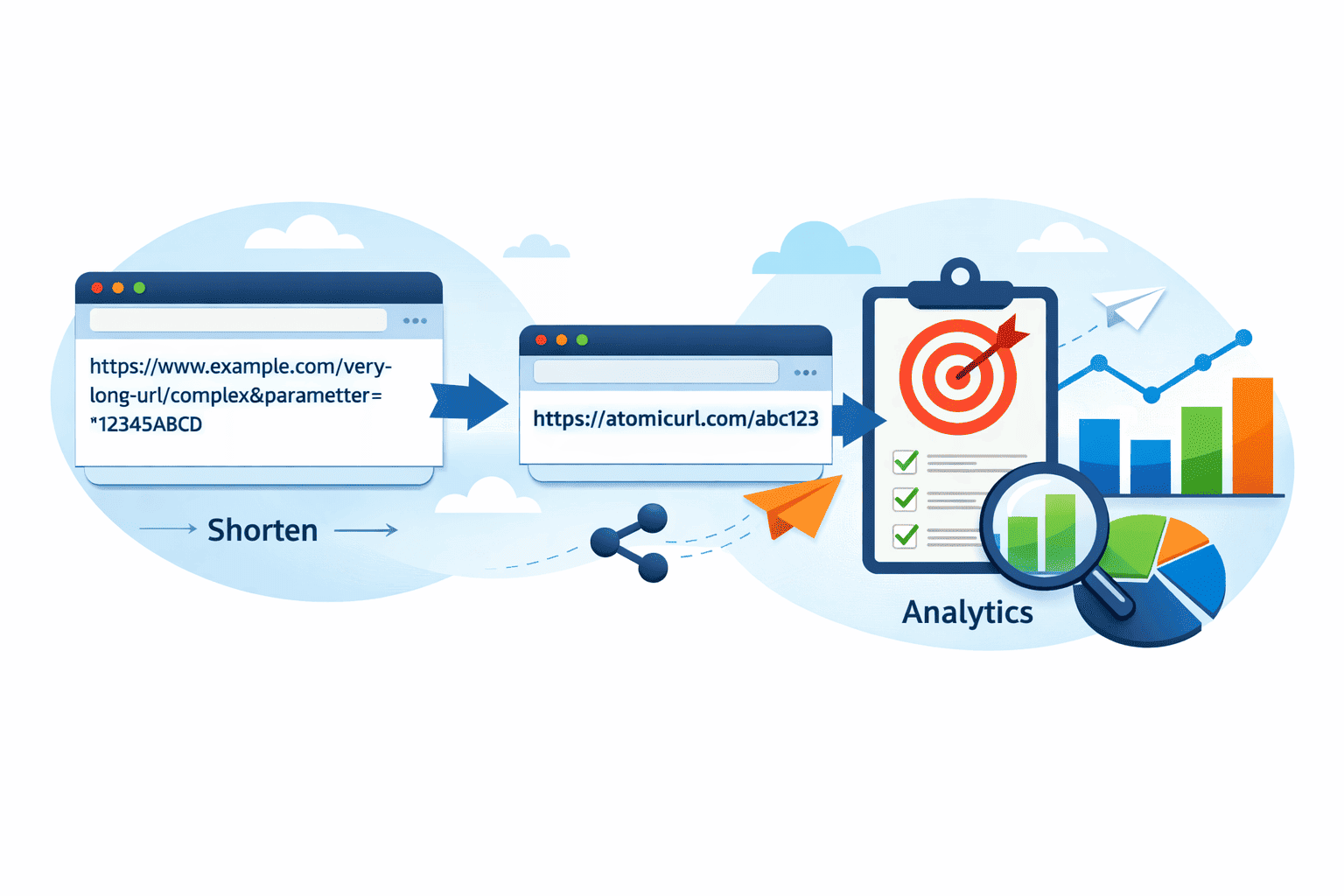
Instead of sharing something like: https://www.example.com/blog/2024/03/ultimate-guide-to-social-media-marketing-for-small-businesses
You get: https://short.link/abc123
The shortened link redirects anyone who clicks it to your original destination. The difference? You can create these links instantly, without creating an account, entering payment info, or managing a dashboard.
These tools strip away everything except the core function: paste your link, get a shorter one, move on with your day.
Why This Matters More Than You Think
It saves time when you're already stretched thin
If you're managing client campaigns, publishing blog posts, or coordinating a launch, the last thing you need is another login to remember. Account-free shorteners let you create links in seconds and get back to the work that actually matters.
It keeps your workflow simple
Not every link needs tracking, analytics, or custom branding. Sometimes you just want to share a Google Doc with your team or drop a resource link in a Slack channel. For these everyday moments, instant shortening without barriers makes sense.
It protects your privacy
When you create an account, you're handing over data—email address, usage patterns, click behavior. For casual users or privacy-conscious individuals, avoiding registration means one less company with your information.
It removes friction for one-time needs
Maybe you're helping a friend shorten a link for their event flyer. Or you need a clean URL for a printed brochure. These aren't recurring tasks that justify setting up yet another account. You need a solution that matches the simplicity of the task.
How It Actually Works (Step by Step)
Using an account-free URL shortener is straightforward, but knowing the process helps you avoid confusion:
Step 1: Find a reliable tool
Not all shorteners are created equal. Some require accounts despite claiming otherwise. Look for services that clearly state "no registration needed" or "instant shortening" on their homepage.
Step 2: Copy your long URL
Grab the full link you want to shorten. Make sure it's the complete URL—including the https:// part. If you're shortening a link with parameters (those question marks and symbols at the end), include those too. They matter for tracking and functionality.
Step 3: Paste and generate
Drop your URL into the AtomicURL (https://atomicurl.com) shortener's input field. Click the button (usually labeled "Shorten" or "Generate"). Within a second or two, you'll see your shortened link.
Step 4: Copy and use
That's it. Copy the new link and paste it wherever you need it—social media posts, emails, text messages, printed materials.
Important note about custom links
Some account-free tools let you customize the back half of your URL (like short.link/my-custom-name instead of random characters). This feature varies by service. If customization matters to you, check whether the tool offers it before generating your link.
Common Mistakes People Make
Assuming all shortened links are permanent
Here's something many people don't realize: some free shorteners delete inactive links after a certain period. If you're creating a link for a campaign that runs for months, verify the service's link lifespan policy first.
Using them for sensitive information
Shortened links mask the destination URL, which is convenient but also risky. Don't use them for password reset links, private documents, or anything containing personal data. Stick to public-facing content.
Ignoring link preview issues
When you share a shortened URL on social media, the platform can't always generate a preview card (that image and description box). If visual appeal matters for your post, consider whether a short link is worth the trade-off.
Creating too many without tracking
This applies even without an account. If you're shortening multiple links for different purposes and don't keep a record, you'll lose track of which short link goes where. Keep a simple spreadsheet if you're managing several at once.
Forgetting to test before sharing
Always click your shortened link before distributing it widely. Make sure it redirects to the right place and that the destination page loads properly.
How AtomicURL Makes This Easier
AtomicURL (https://atomicurl.com) was built for people who need fast, reliable link shortening without unnecessary complexity.
You can shorten URLs instantly—no account creation, no email verification. Just paste your link and go. The interface is clean and distraction-free, designed for people who value their time.
What makes it particularly useful is the balance it strikes. While you don't need an account for basic shortening, you have the option to create one if you later decide you want features like link analytics, custom domains, or bulk shortening. It grows with your needs without forcing features on you upfront.
The service also maintains shortened links indefinitely (as long as they're not used for spam or abuse), so you don't have to worry about links expiring mid-campaign.
For freelancers sending portfolio links to potential clients, bloggers sharing resources with readers, or small teams coordinating projects, AtomicURL handles the simple cases simply and the complex cases completely.
Frequently Asked Questions
Can I edit or delete a shortened link after creating it without an account?
Generally, no. Account-free shorteners don't tie links to user profiles, so there's no way to modify them after creation. If you need editing capabilities, you'll want a service that offers optional accounts where your links are saved to a dashboard.
Are shortened links without accounts safe to click?
The shortened links themselves are safe—they're just redirects. The risk comes from not knowing where they lead. As a creator, only shorten legitimate destinations. As a clicker, use caution with shortened URLs from unknown sources, just as you would with any link.
Will my shortened links show up in Google search results?
The short URLs themselves typically won't rank because they're just redirects. However, the destination page can still rank normally. URL shortening doesn't hurt or help your SEO—it's neutral in terms of search visibility.
Can I use these links in email marketing campaigns?
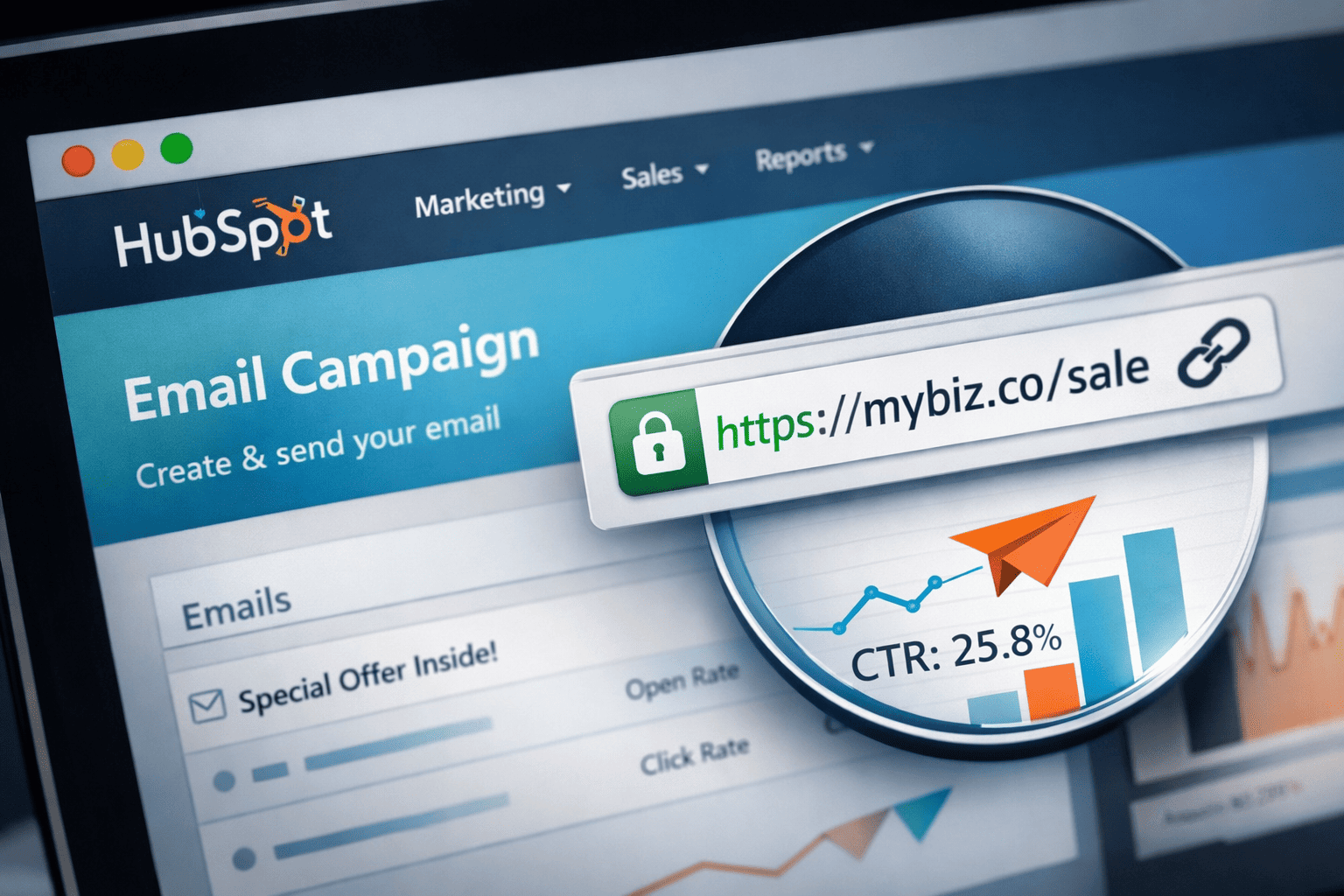
You can, but proceed carefully. Some email service providers flag shortened URLs as potential spam because they hide the true destination. If you're sending to a large list, test with a small segment first or use your email platform's built-in link tracking instead.
How do I know if a free shortener will keep working long-term?
Look for services that have been operating for several years, have clear terms of service, and ideally offer paid plans (which indicates a sustainable business model). Free-only services sometimes shut down without warning, taking your links with them.
The Bottom Line
A free URL shortener without account registration solves a specific problem elegantly: it gives you clean, shareable links without adding complexity to your workflow.
These tools work best for casual use, one-time needs, or situations where simplicity outweighs advanced features. They're perfect for social media posts, quick resource sharing, or any scenario where you need a shorter link immediately.
The key is matching the tool to your actual needs. If you're shortening one link per month, account-free is ideal. If you're managing dozens of campaigns with detailed analytics requirements, you'll eventually want something more robust.
Services like AtomicURL (https://atomicurl.com) recognize this reality by making both approaches available—simple when you need simple, powerful when you need power.
Start with the basics, shorten without barriers, and upgrade your approach only when your needs genuinely require it. That's the smart way to work.
If you enjoyed this article, you may also like:
_Image_1.png)
_Image_1.png)
_Image_1.jpg)


_Image_1.jpg)

.jpg)

.jpg)


.jpg)