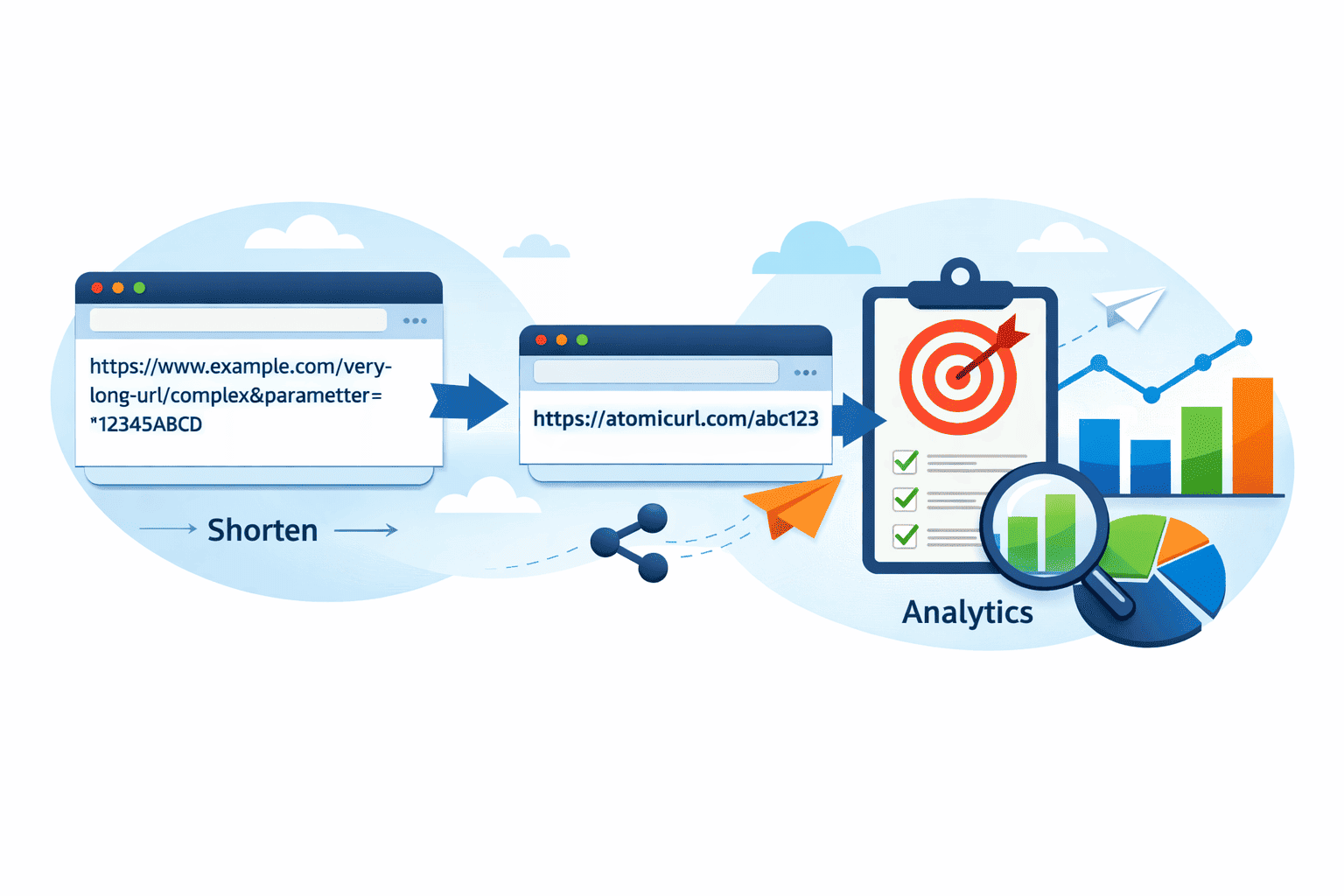

You've seen them everywhere. That weird little link that starts with something like bit.ly/ or t.co/ followed by a random jumble of characters. You click it, and somehow it takes you to a full, sprawling webpage address that would've taken three lines to type out. That, in its simplest form, is a URL shortener doing its job.
But there's actually more going on under the hood than most people realize. And if you've ever wondered whether these tools are just a gimmick or genuinely useful — the answer is both, depending on how you're using them.
So What Exactly Is a URL Shortener?
A URL shortener is a tool that takes a long web address and transforms it into a compact, shareable version that redirects to the original destination. The short link doesn't host any content itself. It's more like a forwarding address — a post office box that points to where the real stuff lives.
Think about it this way. Imagine you're sharing an Amazon product link in a text message. That link might be something ridiculous like https://www.amazon.com/dp/B08N5WRWNW/ref=sr_1_1?dchild=1&keywords=wireless+earbuds&qid=1620000000&s=electronics&sr=1-1. Nobody's going to type that. Half the people receiving it will just give up before they even get to the product.
A shortener turns that into something clean and usable. Something you can actually say out loud, put on a business card, or tweet without it eating up your character count.
The Mechanics — How Does the Redirect Actually Work?
Here's where it gets interesting. When someone builds a short link, the service stores a mapping in a database — basically a lookup table that says "whenever someone visits this short URL, send them to this long URL." It's genuinely that simple at the conceptual level.
When you click a short link, your browser sends a request to the shortener's server. That server checks its database, finds the matching long URL, and then sends back what's called a redirect response — usually an HTTP 301 (permanent) or 302 (temporary) redirect. Your browser then automatically follows that redirect and loads the destination page. All of this happens in milliseconds. You barely notice it.
The specific HTTP status code actually matters, and it's one of those things that trips people up. A 301 redirect tells browsers and search engines "this has permanently moved, remember this going forward." A 302 says "this is a temporary redirect, don't cache it." For SEO and link equity purposes, those two behave differently — something worth knowing if you're building links for a website rather than just sharing stuff casually.
Why Do People Actually Use These Things?
There are a few genuinely practical reasons, and they've evolved a lot since the early days of Twitter character limits.
Cleaner sharing is the obvious one. Short links look better in emails, on social posts, in printed materials, wherever. A wall of URL characters creates visual noise and — let's be honest — looks unprofessional in a lot of contexts.
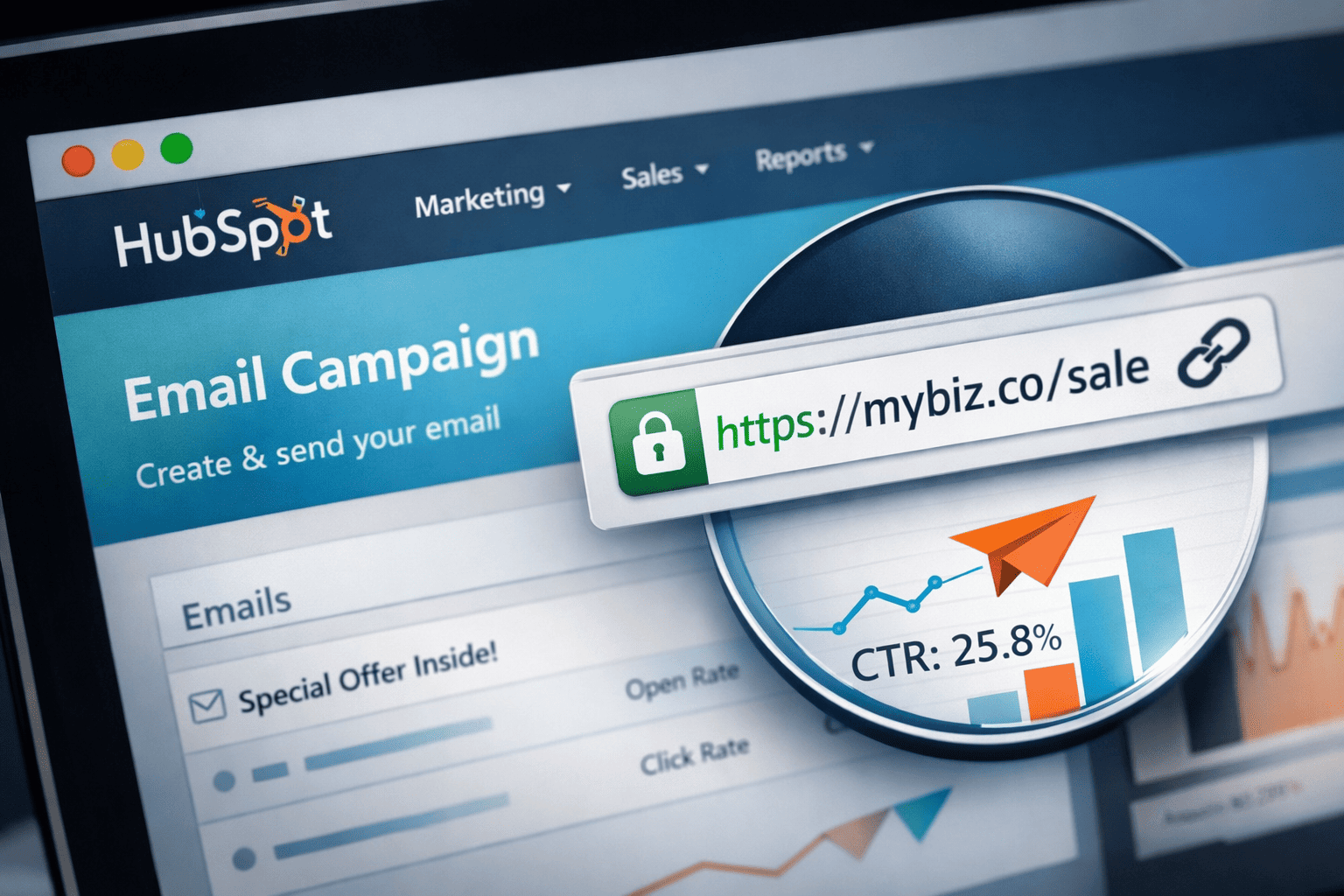
Tracking and analytics is where things get really useful. Most modern URL shorteners don't just shorten links. They track them. You can see how many people clicked, when they clicked, where in the world they were, what device they used. If you've ever run a marketing campaign and wanted to know whether your email newsletter was actually driving traffic versus your Instagram posts, this kind of data is invaluable. You're not just guessing anymore.
Custom branded links are something businesses increasingly care about. Instead of bit.ly/xK3p2q, a branded short link might look like yourbrand.co/sale. It looks intentional. It reinforces trust. People are more likely to click a link that looks like it belongs to a brand they recognize rather than a random string from an unknown domain.
And then there's the simple matter of flexibility. With a short link, if you ever need to update the destination — say, a product page URL changes, or you want to redirect traffic to a new landing page — you can update the target URL without changing the short link itself. Everyone who has the short link still gets taken to the right place. That's a surprisingly powerful capability for anyone managing lots of links over time.
Atomic URL — A Tool Worth Knowing About
If you're looking for a URL shortening tool that doesn't make you jump through hoops, Atomic URL is worth checking out. It's built for people who want a clean, no-nonsense way to shorten and manage links — without the bloat or the aggressive upsell that you see from some of the bigger platforms.
What I appreciate about tools like this is that they focus on doing the core thing well. Fast redirects, clean interface, useful analytics without overwhelming you with dashboards you'll never use. Sometimes the best tools are the ones that get out of your way.
If you're a blogger, a small business owner, or just someone who sends a lot of links and wants to keep things organized, having a reliable shortener in your toolkit is legitimately useful — and Atomic URL fits that bill without forcing you to create an account just to get started.
Some Things People Don't Think About
There's a side to URL shorteners that doesn't get talked about enough, and that's what happens if the service shuts down. This has actually happened. Remember Vine? The URLs from those old Vine links are gone now. The content doesn't exist. And any short link pointing to them is a dead end.
This is a real consideration if you're building links into permanent content — a published article, a book, a marketing brochure. Short links from a service that disappears become broken links overnight. It's worth thinking about the longevity of whatever service you're trusting with your links.
On the flip side, some people are suspicious of short links precisely because you can't tell where they go just by looking at them. That's a legitimate concern from a security standpoint — short links have been used to disguise phishing URLs and malware. Reputable shorteners address this by scanning destinations, but it's still something to keep in mind when clicking unknown short links from random sources.
Custom Domains and the Professional Use Case
Here's something that separates casual URL shortener users from people using these tools strategically: custom domains.
When you register your own short domain and connect it to a shortening service, every link you create looks like it belongs to you. Not to some third-party platform. This matters for brand trust, and it also means you're not dependent on another company's domain staying alive and accessible.
Setting this up used to require technical knowledge. Now most good shorteners — including Atomic URL — make the process accessible enough that you don't need to be a developer to pull it off. If you're running any kind of content operation, newsletter, or e-commerce business, this upgrade is worth the effort.
A Quick Note on SEO
People often wonder whether short URLs hurt their SEO. The honest answer: generally no, if implemented correctly. A properly configured redirect (particularly a 301) passes link authority through to the destination URL. Search engines understand how redirects work.
That said, excessive redirect chains — where one short link redirects to another, which redirects to another — can create crawl delays and dilute link equity. Keep your redirect paths clean and direct, and you'll be fine.
Also worth noting: the anchor text benefit you get from a real descriptive URL is lost with a short link. Short links are great for sharing and tracking. For building in-content contextual links that you want Google to read, actual descriptive URLs are still better. Both tools have their place.
The Bigger Picture
URL shorteners have become something of invisible infrastructure for how content moves around the internet. Marketers use them. Journalists use them. Developers embed them in QR codes. Social platforms built their entire link-sharing architectures around them.
The core technology is elegant in its simplicity — just a lookup table and a redirect. But the ecosystem around it, the analytics, the branding, the management tools, has grown into something quite sophisticated.
If you've never used a URL shortener seriously, it's worth experimenting with. Start with something like Atomic URL, shorten a few links, look at the click data. It's one of those small tools that quietly changes how you think about sharing information online.
And if you already use a shortener, you probably already know how quickly they become indispensable. The day you need to update a destination URL without breaking every link you've already shared — that's the day you really appreciate having this kind of control.
Sometimes the simplest tools are the ones with the most staying power. URL shorteners have been around since the early 2000s. They're still here, still getting smarter, still solving the same fundamental problem — just with a lot more capability underneath.
Tags
#URLShortener #URLShorteners #ShortLinks #LinkShortener #LinkManagement #CustomShortLinks #BrandedLinks #WebRedirect #HTTPRedirect #LinkTracking #LinkAnalytics #ClickTracking #MarketingTools #DigitalMarketing #ContentMarketing #SEO #SEOTips #LinkBuilding #301Redirect #302Redirect #AtomicURL #URLManagement #ShortURL #LinkSharing #WebTools #OnlineMarketing #EmailMarketing #SocialMediaMarketing #SmallBusinessTools #Blogging #BloggingTips #ContentCreation #WebDevelopment #InternetTools #ProductivityTools #CustomDomain #BrandedURL #TrafficTracking #MarketingStrategy #DigitalTools
_Image_1.png)
_Image_1.png)
_Image_1.jpg)



_Image_1.jpg)

.jpg)

.jpg)


.jpg)