.jpg "How to Shorten a URL for Free (No Account Needed)")

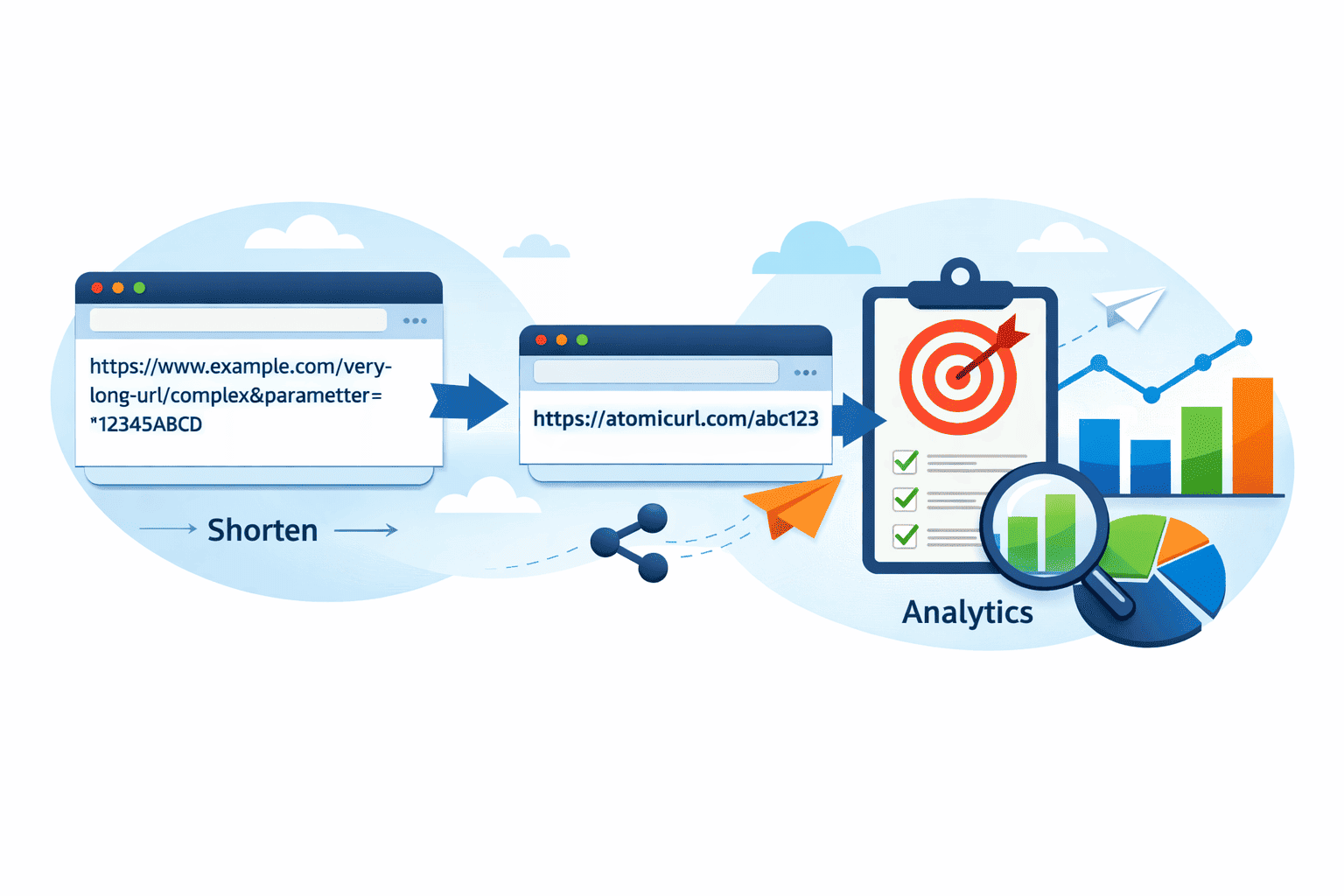
Let's be honest — long URLs are a mess. You've got a link you want to share and it looks like someone fell asleep on the keyboard. Pasting that into a tweet, a caption, or even a text message just looks unprofessional, and half the time people won't even bother clicking it.
The good news? You don't need to sign up for anything to fix that.
Shortening a URL used to feel like a whole process. You'd go to some tool, make an account, verify your email, maybe get a marketing pitch — and by the time you actually got your short link, you'd lost five minutes and your patience. That's not how it should work. And honestly, for most people, it doesn't need to be that complicated.
Why Short Links Actually Matter
It's easy to shrug this off as a cosmetic thing, but short URLs genuinely serve a purpose. They're cleaner, they fit better in social bios and captions, they're easier to remember, and they look more intentional. A link that starts with https://yourwebsite.com/blog/category/how-to-do-the-thing-you-want-to-do-in-2024?utm_source=organic&utm_medium=post tells your audience nothing useful. A clean, short link does.
And beyond aesthetics, there's the practical side. If you're sharing links across platforms — WhatsApp, Instagram, LinkedIn, Twitter — the format matters. Some platforms truncate long URLs. Some auto-format them into ugly previews. Short links sidestep all of that.
There's also something quietly powerful about having a link you actually recognize. If you've ever customized a short URL and seen your own brand name or keyword in it, you know it just feels more legit.
The Tool You Actually Need: AtomicURL
If you haven't come across AtomicURL yet, it's worth a look. No signup. No account. You paste your long link, hit shorten, and it's done. That's genuinely the whole experience for basic use — and it's shockingly fast.
But here's where it gets more interesting than your average free URL shortener. AtomicURL packs in a bunch of features that most tools charge for or hide behind paid plans. The free, no-account experience already covers a lot of ground, and once you start digging into what's available, it's kind of remarkable for something that costs nothing.
What You Can Actually Do With It
Instant link shortening is the obvious starting point. You paste, you click, you get a short link. The redirection is lightning-fast on the user end too — no annoying delays or interstitial pages that make your visitors question whether they clicked the right thing.
One thing I genuinely appreciate: the one-click copy button. It sounds small but it saves that extra moment of highlighting, right-clicking, copying — which adds up when you're doing this repeatedly.
Now, if you're sharing links a lot, the quick-share buttons for social media platforms are useful. You can push a link directly to Twitter, Facebook, WhatsApp, LinkedIn, and more without extra steps. This alone saves time if your workflow involves regularly distributing content across multiple channels.
QR code generation is built right in. Once you've got your short link, you can generate and download a QR code for it immediately. This is more useful than it sounds — menus, event posters, business cards, printed materials, product packaging. QR codes aren't going anywhere, and having them tied directly to a shortened, trackable URL is cleaner than slapping a raw link on something.
Here's a feature that separates AtomicURL from a lot of basic tools: bulk URL shortening. You can shorten up to 50 URLs at once. If you've ever had to manually shorten a list of links one by one, you know how tedious that gets. Being able to batch them, and then export the results as a CSV file, means you can drop everything straight into a spreadsheet, CRM, or campaign dashboard without manually reformatting anything.
Customizable links are also part of the picture. Instead of getting a random string of characters, you can set a custom slug that actually means something. This is good for branding, for readability, and for making links easier to remember when you're verbally sharing them or writing them in printed materials.
There's no cap on how many links you can shorten either. Unlimited links — which matters if you're running a site with a lot of content, managing multiple clients, or just generally a heavy user.
The Security and Control Features (These Are Worth Knowing)
This is where things get genuinely interesting, because most people don't expect a free tool to offer this level of control.
Custom link expiry lets you set a date after which the link stops working. This is useful for time-sensitive promotions, event pages, or any content that has a shelf life. Instead of leaving a dead link alive indefinitely, you can build in an automatic expiration.
Password-protected links are something you rarely see on free tools. You can require a password before someone can access the destination URL. That could be useful for internal sharing, client previews, exclusive content — anywhere you want a layer of access control without setting up a full authentication system.
Click-based expiry takes this a step further. You can set a link to expire after a certain number of clicks. Useful for limited offers, giveaways, invite links — anything where the quantity matters as much as the timing.
And then there are one-time links — which expire after a single click. This one's particularly handy for sending something sensitive, like a download link or a file that should only be accessed once. After the first person opens it, the link is dead. That's a genuinely powerful privacy and security feature, and it's the kind of thing you'd usually only see in dedicated secure-sharing tools.
Real-World Scenarios Where This Actually Helps
Say you're running a small online store and you want to share a limited-time offer across your social channels. You shorten the link, add a custom slug that matches your promo name, set it to expire at midnight on the last day of the sale, and add quick-share buttons to push it everywhere at once. That's a clean, professional workflow — built entirely on a free tool with no account.
Or maybe you're an event organizer. You create a registration link, shorten it, generate a QR code for the printed flyers, and set the link to expire after the event date. Done. People scan the QR code, land on the registration page, and after the event date nothing redirects anywhere — no confusion, no stale links.
Or you're a freelancer sending a client a preview of something you're not ready to share widely. You use a password-protected link so only they can access it. No sign-up required on their end — they just need the password you give them.
These aren't edge cases. These are everyday scenarios that suddenly become very simple with the right tool.
A Note on Reliability
One thing that's easy to overlook when picking a URL shortener is what happens after you create the link. The shortened link is only as good as the service keeping it alive. AtomicURL is built for reliable performance, which matters especially if you're embedding short links in content with a long lifespan — a published article, a printed catalog, a YouTube video description. You want to know that link will still work six months from now.
Lightning-fast redirection also plays into user experience more than people realize. A short link that takes a second to redirect is a second where the user could second-guess clicking it. Speed matters.
Getting Started (It Really Is This Easy)
Go to https://atomicurl.com. Paste your long URL. Click shorten. That's it. If you want to customize the link, set an expiry, add a password, or bulk upload a list — those options are right there. No buried settings, no confusing interface.
The tool is easy to use in the truest sense of that phrase — not "easy once you figure it out," but easy from the first second.
Final Thoughts
The bar for URL shorteners is usually pretty low — paste, click, copy. But AtomicURL does a lot more than the minimum without adding friction. No account. No paywall on the interesting features. Bulk shortening, QR codes, password protection, one-time links, custom expiry — all of it available from the moment you land on the page.
If you're someone who deals with links regularly — whether for marketing, content creation, client work, or just personal organization — it's worth keeping this one bookmarked. You don't realize how much time you spend on link management until you have a tool that makes it genuinely effortless.
Short links shouldn't be complicated. With AtomicURL, they aren't.
Tags
#URLShortener #FreeURLShortener #ShortenURL #ShortLinks #AtomicURL #URLShortening #LinkShortener #FreeTools #NoSignUpRequired #QRCode #QRCodeGenerator #BulkURLShortener #CustomLinks #PasswordProtectedLinks #OneTimeLinks #LinkManagement #DigitalMarketing #ContentMarketing #SEOTools #SocialMediaMarketing #LinkSharing #MarketingTools #OnlineTools #WebTools #SmallBusinessTools #FreelancerTools #ProductivityTools #LinkTracking #URLManagement #DigitalTools
_Image_1.png)
_Image_1.png)
_Image_1.jpg)

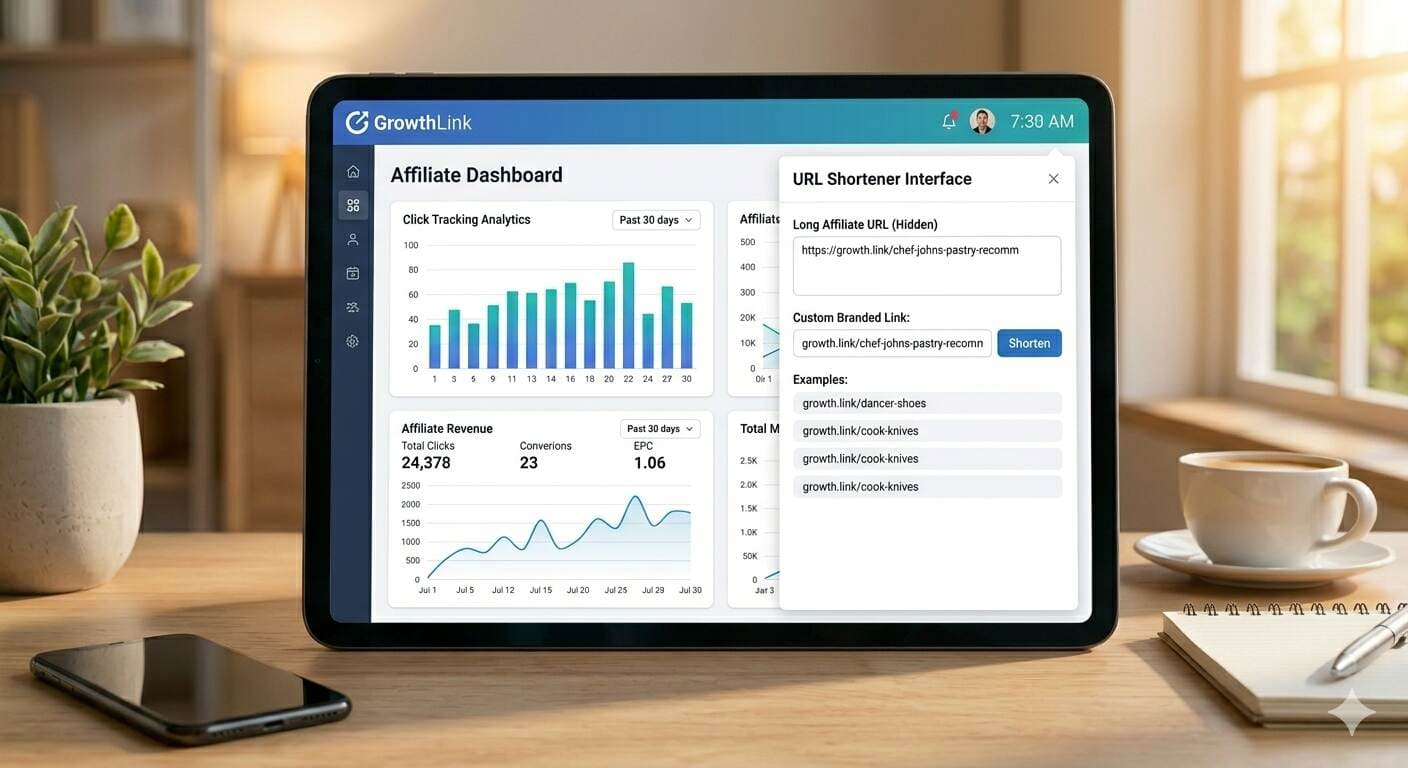

_Image_1.jpg)


.jpg)


.jpg)