
Let's be honest—most of us share short links without thinking twice. You shorten a URL, paste it into a tweet or an email, and move on. It feels convenient, and it is. But there's a quiet vulnerability lurking in that convenience that not many people talk about: link hijacking.
It's not a theoretical threat. It's happening, and it's affecting real users, real businesses, and real reputations. If you rely on short links for your marketing, content sharing, or business communications, this is something you genuinely need to understand.
So, What Exactly Is Link Hijacking?
Link hijacking—sometimes called link interception or URL hijacking—is when someone maliciously takes control of a shortened or redirected link and diverts traffic somewhere other than where it was originally intended to go. Think of it like a road sign that's been quietly altered overnight. You follow it expecting to reach your destination, but you end up somewhere completely different.
This can happen in a few different ways. Sometimes it's technical—an attacker exploits a vulnerability in the URL shortening service itself and modifies where the link points. Other times, it's more subtle: someone creates a visually identical link (a character swap here, a lookalike domain there) and circulates it as if it's the original.
And yes, there's also the more mundane version—expired or abandoned short links that get recycled by bad actors once they're no longer actively managed. You set up a short link two years ago for a campaign, forget about it, and now someone else is using that traffic for something sketchy. That's still a form of hijacking, even if there was no single dramatic "attack."
Why this matters more than you think
Link hijacking isn't just a technical problem. It's a trust problem. When your audience clicks a link you shared and lands somewhere unexpected—or worse, somewhere harmful—that reflects on you, not the attacker.
The Real-World Damage It Can Cause
Here's where it gets uncomfortable. If you're running a business, a blog, or even a personal brand, link hijacking can damage you in ways that are hard to undo.
Imagine a marketer who spent weeks crafting a newsletter campaign with a beautiful short link in the call-to-action. Now imagine someone intercepts that link and redirects it to a phishing site. Every single subscriber who clicks gets a malware prompt instead of the intended landing page. The marketer's credibility takes a hit. Their domain reputation suffers. And their audience—people who trusted them—feel violated.
Or consider an influencer who shares affiliate links. If those links are hijacked, someone else could be pocketing the commissions. That's not just an inconvenience—it's direct financial theft.
There's also the SEO angle. Short links get shared, clicked, and sometimes crawled. If your links are redirecting to spammy or irrelevant content, it can send negative signals that trickle back to your domain over time. It's slow, hard to track, and annoying to fix.
How Short Link Platforms Factor In
Not all URL shorteners are created equal, and this is where a lot of the risk concentration happens. Many popular free shorteners offer zero control over what happens to your links after you create them—no password protection, no expiry, no audit trail. Once you share that link, you're basically hoping nothing changes on the backend.
This is why the choice of platform matters more than people realize. A proper URL management tool should give you actual control—not just a shorter string of characters.
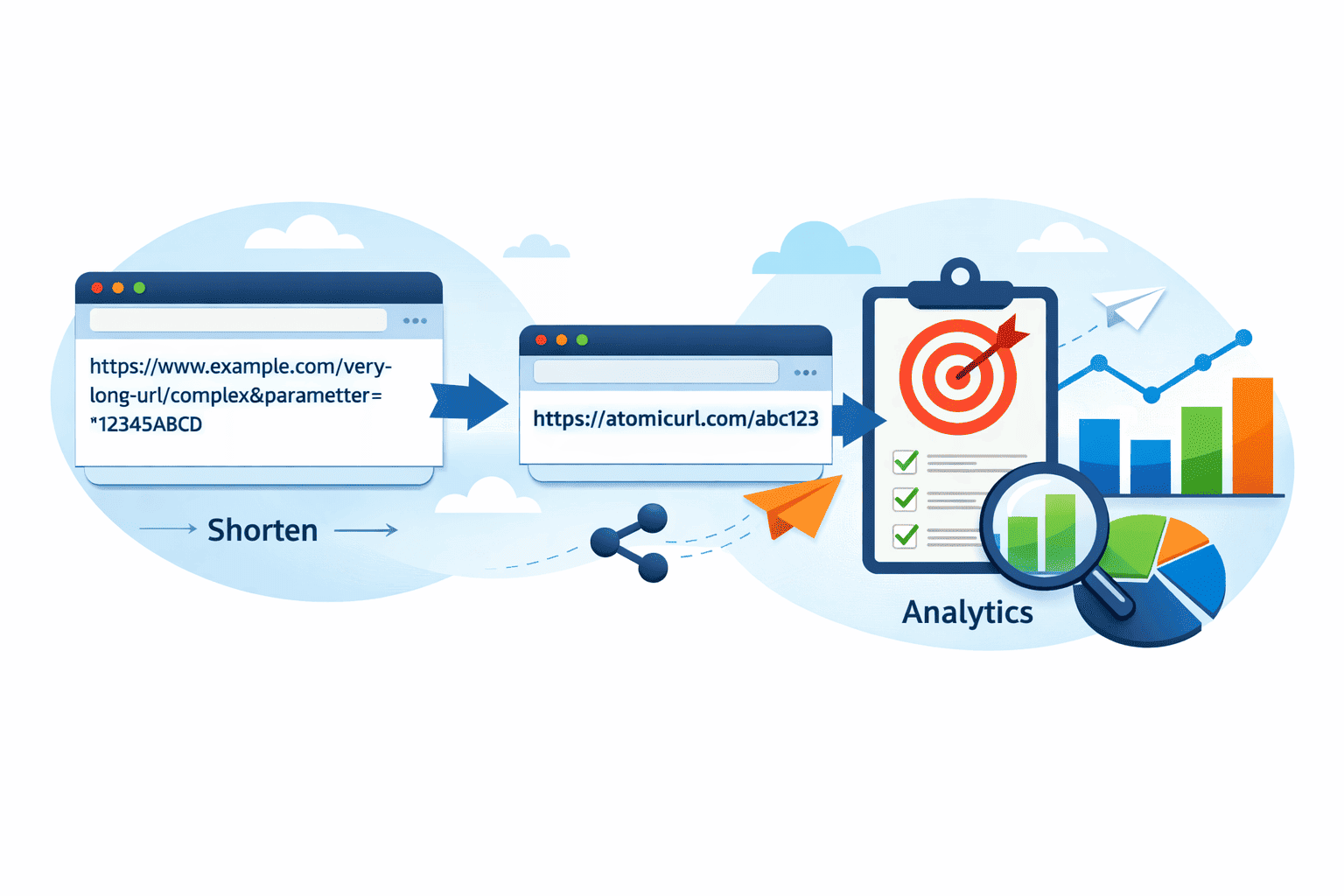
One platform worth knowing about is AtomicURL. It's a URL shortening and management tool built around giving users genuine control over their links, and it doesn't require you to sign up just to get started. That's surprisingly rare. Most shorteners either lock essential features behind accounts or offer very little customization at the free level.
What stands out about AtomicURL is that it approaches link security from multiple angles—not just as an afterthought.
Features That Actually Protect Your Links
When thinking about link hijacking protection, the features that matter most are the ones that limit exposure and add verification layers. Here's how some of AtomicURL's features map to real security and usability benefits:
Password-protected links
— Only people with the password can follow the link.Custom link expiry
— Links automatically expire so old ones can't be reused.One-time links
— Link works exactly once, then goes dead.Click-based expiry
— Deactivates after a set number of clicks.Customizable links
— Create recognizable slugs, harder to spoof.QR code generation
— Download QR codes for offline or visual sharing.Bulk shortening
— Shorten up to 50 URLs at once via the bulk tool.CSV export
— Download all your shortened URLs in one go.
The password protection feature is a particularly underrated one. You can share a link in a semi-public space—a social post, a forum, a press release—while still gating who actually reaches the destination. That's a meaningful layer of control that most free shorteners simply don't offer.
One-time links deserve a mention here too. If you're sharing something sensitive—a document, an onboarding page, a limited offer—a one-time link means that even if the link gets screenshot and redistributed, it won't work again after the first use. That's genuinely clever for certain use cases.
And the click-based expiry? That's more nuanced than you'd think. Say you're running a promotion for the first 100 customers. Set the link to expire after 100 clicks. The link goes dead automatically—no manual intervention required, and no awkward scenario where your "exclusive" deal is still live a month later.
The Bulk Shortener and URL Manager: More Than Just Convenience
AtomicURL's bulk URL shortener lets you shorten up to 50 URLs in one shot and export them as a CSV. For marketers running campaigns across multiple platforms, this is a genuine time-saver. But there's a security dimension here too—when you manage all your links through a single, centralized tool, you have a much cleaner overview of what's active, what's expiring, and what's been shared where.
Scattered links across different platforms are harder to monitor. Centralized management through something like AtomicURL's URL manager means you can actually keep tabs on your link ecosystem instead of guessing.
You might notice that having all your links in one manageable place is also just... less stressful. You can see them, update them, and pull the plug on old ones before they become someone else's problem.
What About the URL Expander?
On the flip side, AtomicURL also offers a URL expander—a tool that lets you preview where a short link actually leads before you click it. This is useful for the receiving end of things.
If you get a short link in an email or DM and something feels off, expanding it first is just basic digital hygiene. You'd be surprised how many people skip this step. Link hijackers count on people not doing this. Don't be that person.
Practical Steps to Protect Your Short Links
Beyond using the right platform, there are habits worth developing if you share links regularly.
First, audit your old links periodically. If you've been creating short links for a while and you're not actively managing them, there's a good chance some are pointing to outdated content—or worse, pages that no longer exist and could be repurposed. The link expiry features in a good URL manager solve this automatically if you set them up from the start.
Second, use custom slugs where you can. A link that reads atomicurl.com/your-brand-offer is much harder to spoof convincingly than a random string of characters. And your audience is more likely to recognize it as legitimate. Customizable links aren't just branding—they're a soft security layer.
Third, share links selectively. If you're distributing a short link for a campaign, think about who genuinely needs it. One-time links and password-protected links are excellent for high-value or private shares. They don't have to be reserved for enterprise use cases.
Fourth, use a URL expander before clicking unfamiliar short links yourself. And train your team to do the same. It takes two seconds and it's one of the fastest threat-reduction habits you can build.
The Lightning-Fast Part (That Also Matters)
One thing that gets overlooked in the link security conversation is performance. A slow redirect is annoying, but it also creates a window of uncertainty—users sometimes abandon pages that take too long to load, or assume something's wrong. AtomicURL is built for lightning-fast redirection, which keeps the user experience clean and the trust signal intact.
Fast redirects also mean less time in limbo for your analytics. If your link takes three seconds to redirect, you're not just losing patience—you're potentially losing data on whether that click actually converted. Speed and reliability aren't just conveniences; they're part of the whole trustworthy-link package.
The Social Sharing Angle
AtomicURL also includes quick-share buttons for various social media platforms, which makes distributing links across Twitter/X, LinkedIn, Facebook, WhatsApp, and elsewhere genuinely fast. This is one of those small things that sounds minor until you're managing a content calendar and every extra click costs real time.
Combined with one-click copy, instant link shortening, and no sign-up requirements, the experience is actually quite smooth from start to share. You don't need to create an account just to generate a short link—which removes friction while still giving you access to genuinely useful features.
A Quick Note on Unlimited Links
Some shorteners cap you at a certain number of active links. AtomicURL offers unlimited links, which matters more than it sounds. If you're building out a content strategy, running multiple campaigns simultaneously, or managing links for clients, hitting a ceiling is more than annoying—it forces workarounds that often undermine the organizational clarity you were trying to achieve in the first place.
Wrapping Up
Link hijacking is one of those threats that's easy to ignore until something goes wrong—and by then, the damage is often already done. The good news is that most of the defensive measures are genuinely simple. Choose a platform that gives you real control, use the expiry and protection features available to you, and build a habit of checking where links lead before you click.
AtomicURL is a solid starting point for anyone who wants a URL shortener that takes link security seriously without making it complicated. No sign-up barriers, fast performance, meaningful features like one-time links and password protection, and a URL manager that keeps everything organized. That's a pretty good combination.
The internet runs on links. It's worth taking care of yours.
Tags
#LinkSecurity #URLShortener #LinkHijacking #CyberSecurity #DigitalMarketing #URLManagement #ShortLinks #AtomicURL #OnlineSafety #ContentStrategy #SEO #PasswordProtection
_Image_1.png)
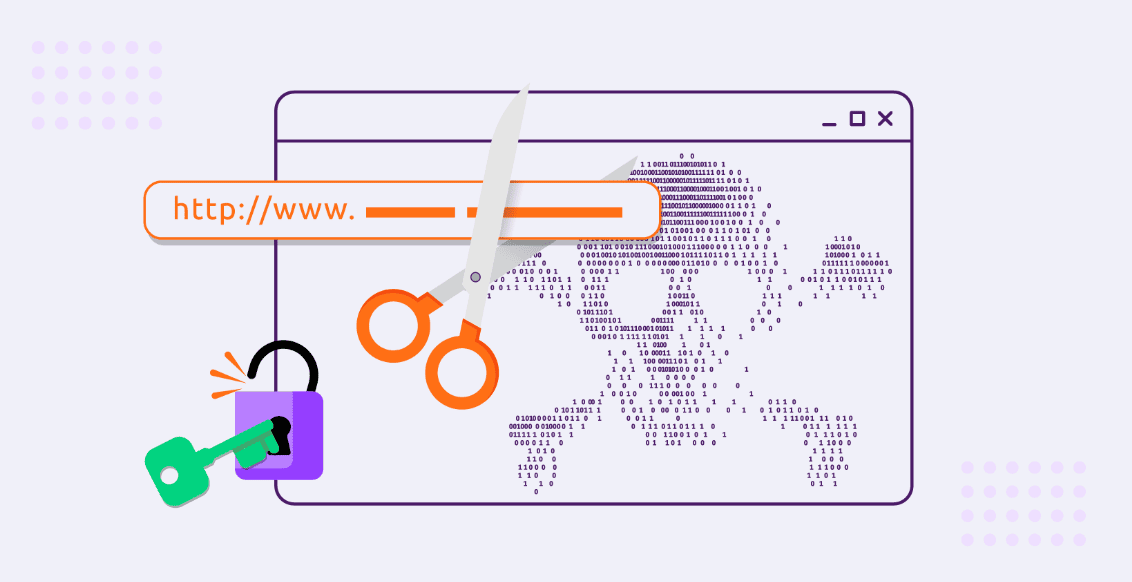
_Image_1.png)
_Image_1.jpg)



_Image_1.jpg)

.jpg)
.jpg)


.jpg)