
Pinterest is one of those platforms people consistently underestimate until they have a pin go semi-viral and suddenly their blog analytics look like a different website. The traffic is real, it's often high-intent, and it has a longevity that Instagram or Twitter traffic just doesn't—a pin from two years ago can still send visitors today if the content is evergreen and the image is good.
But here's what a lot of Pinterest creators quietly get wrong: the link they attach to the pin. It's an afterthought for most people, pasted in from their browser bar without any consideration for what it looks like or how it performs. That's a missed opportunity every single time.
How Pinterest Actually Handles Links (And Why It Matters)
Pinterest is fundamentally a traffic platform. Unlike Instagram, every pin can have a clickable destination link. That's the whole game—create an image compelling enough that someone wants to see more, and make the link to "more" as easy and trustworthy as possible.
What most people don't think about is that the link URL is visible on pins. When someone hovers over a pin on desktop, or taps through to the pin detail on mobile, the destination URL shows up. If that URL is a long, parameter-stuffed address from your e-commerce platform or a CMS-generated blog post path, it's visible. It looks messy. It looks like you didn't bother with the details.
And there's a subtler issue: on mobile, long URLs sometimes wrap awkwardly in the interface or get truncated in ways that make them look broken. Not all users click through to verify. Some just move on.
A clean, branded short link changes that dynamic. It looks intentional. It fits neatly wherever Pinterest displays it. And for the small percentage of users who pay attention to where they're being sent before clicking, a readable short link is a confidence booster rather than a question mark.
What "Branded" Actually Means in the Pinterest Context
Let's be specific because this is where a lot of creators stop short. A branded short link isn't just any short link—it's one where the slug after the slash carries meaning.
Instead of a random character string like xk7b2, you get something like /dishesformom or /summeroutfits25 or /homedecorguide. Something that reinforces what the pin is about and where it's going.
This matters on Pinterest more than most platforms because Pinterest is search-oriented. People aren't just scrolling—they're often searching for something specific. A pin linked to /budgetrecipes or /diyroomredecor is telling a coherent story from image to slug to destination. The branding carries through.
Creating this kind of link with AtomicURL takes about forty seconds. Paste the destination URL, type your custom slug, copy the result. No sign-up required, no account to create, no waiting. You can do it between scheduling pins without breaking your workflow. The instant link shortening means you're not sitting there watching a progress bar—it's done the moment you click.
Bloggers: This Changes How You Think About Your Pin Strategy
If you run a blog and use Pinterest as a traffic source—which, if you don't, you probably should—short links give you something that generic URLs can't: clarity about which pins are actually driving traffic.
Here's a practical approach. Instead of using the same canonical blog post URL for every pin about a given article, you create a distinct short link for each pin variant. /recipe-vertical for the vertical image version. /recipe-square for the square format you're testing. /recipe-seasonal for the version you made with a seasonal title.
Each link is different. Each tells you which pin design and framing is sending traffic. That information is gold if you're trying to optimize your Pinterest strategy without spending money on analytics tools.
AtomicURL's unlimited links and instant creation make this feasible at scale. You're not rationing links or waiting for batch processing—you create each one as you create each pin, and the whole system is free to use from day one.
For Shop Owners: Every Product Deserves a Clean Link
E-commerce sellers on Pinterest have a slightly different challenge. Your product URLs are typically even messier than blog URLs—they carry variant parameters, tracking codes, category strings. Pasting them directly into pins works, but it looks like what it is: a backend URL that was never meant to be customer-facing.
A short link like /blue-linen-set or /sale-earrings does two things simultaneously. It cleans up the visible URL, and it creates a memorable path that works in your bio description, your profile, your story pins—anywhere Pinterest gives you space for a URL reference.
If you're running a seasonal sale or a collection launch, custom link expiry means the link you share for that specific event stops working automatically when the event ends. No more sale links from March still circulating on Pinterest in August, sending people to a page where prices have gone back to normal. The link enforces the promotional window, which is honestly just good housekeeping.
Click-based expiry is useful for genuinely limited availability—a handmade item with only three in stock, an exclusive bundle available to the first fifty buyers. The link closes when the quantity is gone. Pinterest traffic is often delayed—pins get found days or weeks after they're posted—so having the link close automatically at the right threshold is much safer than trusting yourself to catch the moment manually.
Seasonal Content and the Long Life of Pinterest Pins
Here's something worth understanding about Pinterest traffic that shapes how links should be managed: pins have a long shelf life. A blog post pin about holiday gift ideas might not get its peak traffic until October or November, even if you posted it in September. A summer recipe pin might resurface every summer for three or four years.
This longevity is Pinterest's great advantage as a traffic source. But it creates a link management challenge. A URL that was valid when you pinned something might not be valid a year later. The blog post moved. The shop product sold out and the page was archived. The URL structure changed in a site migration.
If you've been using generic raw URLs in your pins, there's nothing you can do about that. The pin's link is what it is.
If you've been using managed short links, you can update the destination. The URL manager at AtomicURL lets you change where any short link points without changing the link itself. A pin from two years ago that's still generating traffic can have its destination updated to the current, correct version of the page. The pin continues working. The traffic continues arriving. You just send it somewhere that still makes sense.
That's a real advantage for anyone using Pinterest as a long-term traffic strategy rather than a short-term promotional push.
Managing Links Across a Pinterest Content Calendar
If you're pinning consistently—which is how you build a Pinterest presence that actually compounds over time—you're creating a lot of links. Multiple pins per day, multiple boards, multiple destination URLs, possibly multiple accounts if you have a blog and a shop.
The bulk URL shortener at AtomicURL handles up to 50 URLs at once. If you're prepping a month's worth of Pinterest content, you can process all your destination links in one batch, export the results as a CSV, and have everything organized before you sit down to schedule pins. The CSV export is particularly useful if you use a Pinterest scheduling tool—having your original URLs and their shortened equivalents in a clean spreadsheet makes the scheduling process faster and less error-prone.
The quick-share buttons for various social platforms mean that the same destination link you're using for Pinterest can be pushed to other channels with one click—consistent link, consistent destination, less copy-paste juggling when you're distributing content across multiple platforms the same week.
QR Codes for Pinterest Creators With a Physical Presence
This might seem like a stretch until you think about how many Pinterest creators also sell at markets, do pop-up events, run workshops, or have products in physical retail. If any of that describes you, QR codes that link to your Pinterest profile or to specific boards are a legitimate way to drive people from the physical world to your digital presence.
AtomicURL generates and downloads QR codes for any short link directly—no separate QR code tool needed. You create /mypinterest or /shopnow, generate the QR code, and you have something printable for your booth display, your product cards, your packaging. When someone scans it at a market and ends up on your Pinterest board full of beautifully styled product photos, that's a conversion path that didn't exist before.
If you ever receive a short link from a collaborator, a brand partner, or another creator and want to verify where it leads before including it in your own content or promotions, the URL expander at AtomicURL shows you the full destination. Quick, no-account check before you commit to including someone else's link in a pin description or a board.
The Part Most Pinterest Guides Miss
Let's be honest about something that most Pinterest marketing content glosses over: the quality of your links affects the quality of your traffic experience, which affects whether that traffic converts into anything.
A slow redirect between click and landing page means people arrive with slightly less patience than they had at the moment they clicked. On mobile, where Pinterest traffic skews heavily, a redirect that takes half a second longer than it should is genuinely noticeable. Lightning-fast redirection isn't a marketing phrase—it's the difference between someone who arrives at your blog post with their attention intact and someone who started backing out before the page loaded.
Reliable performance means this is consistent. Not fast on average with occasional slow moments, but reliably fast across the range of conditions your readers are clicking from.
These aren't features you'll see listed on most Pinterest marketing guides because they're not Pinterest features—they're link infrastructure features. But infrastructure is what makes everything else work or not work. And for a platform where the whole value proposition is "person clicks, person arrives somewhere interesting," the click-to-arrival experience is worth getting right.
Where to Start If You Haven't Done This Before
If your current Pinterest workflow involves copy-pasting raw URLs from your browser bar into the pin link field—which is honestly where most people are—the shift to branded short links is small in effort and meaningful in result.
Go to AtomicURL. Paste your next blog post URL or product page URL. Give it a short, descriptive slug that matches what the pin is about. Copy the link. Use it in your next pin.
Do that consistently, and over time you end up with a link system that's organized, updatable, and built to support the long-term traffic strategy that makes Pinterest worth investing in. One link at a time, no account required, starting right now.
Tags
#PinterestMarketing #ShortLinks #URLShortener #AtomicURL #PinterestTips #BlogTraffic #EcommerceMarketing #ContentMarketing #PinterestStrategy #BrandedLinks #DigitalMarketing #PinterestSEO #LinkManagement #BloggingTips #ShopOwner
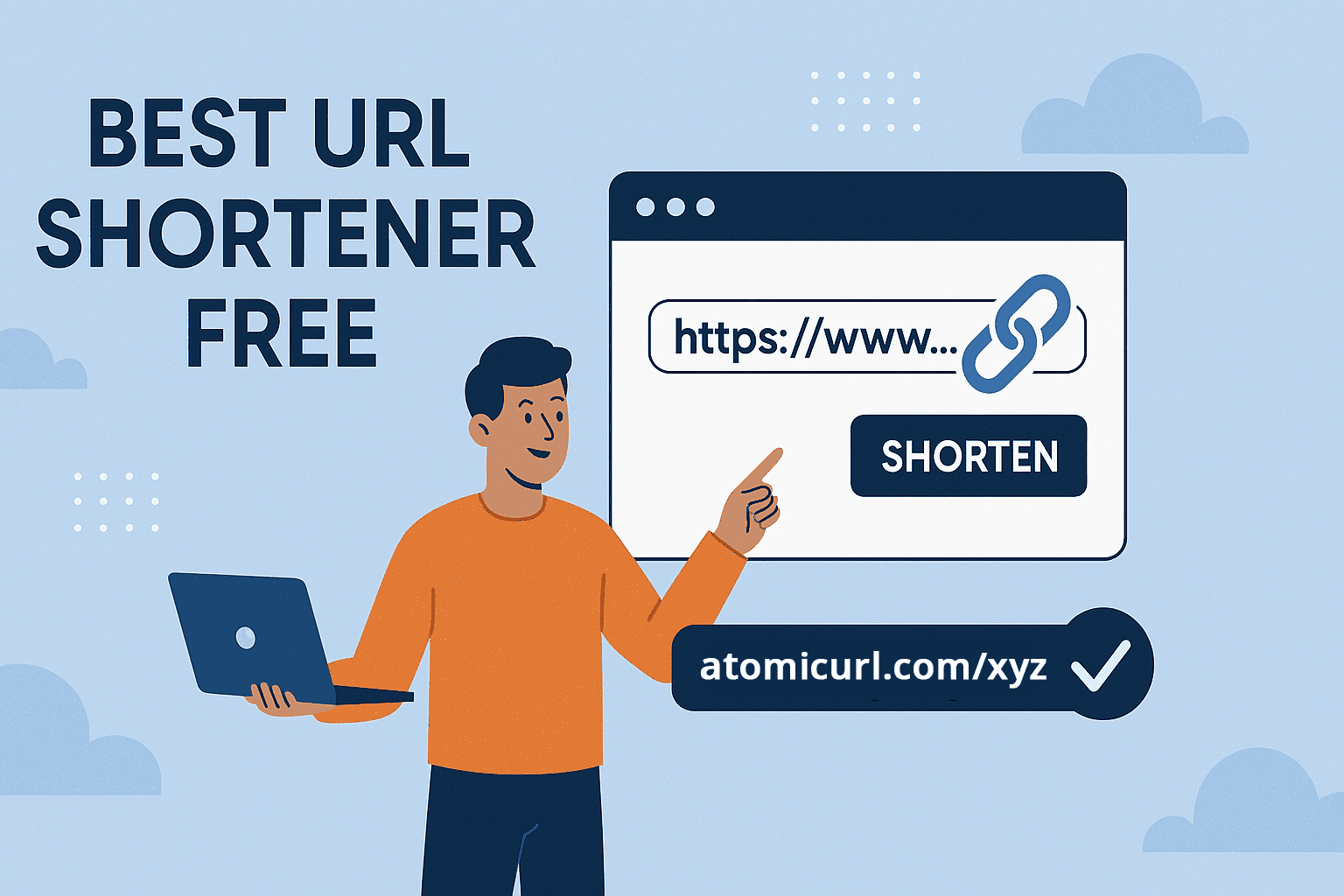
_Image_2.jpg)