

Let’s be honest — most people don’t think twice before using a free URL shortener.
You paste your long link, click a button, and boom… you’ve got a short one. Done.
So when someone says, “You should pay for a URL shortener,” the first reaction is usually:
Why would I pay for something that’s already free?
Fair question.
But like most things online, the answer isn’t just yes or no. It depends on how you’re using it… and what you actually need.
The moment when “free” feels more than enough
If you’re just sharing links occasionally — maybe on WhatsApp, social media, or with friends — free tools do the job perfectly.
No login. No setup. No complications.
You shorten a link, send it, and move on.
For casual use, paying doesn’t really make sense. It would be like buying premium software just to open one file.
And honestly, most people fall into this category.
But then things start to change…
Now imagine a slightly different situation.
You’re running a small business. Or managing a page. Or promoting something online.
You’re sharing links regularly. Maybe even daily.
At that point, you start noticing small things:
- You don’t know how many people clicked your link
- You can’t track where your traffic is coming from
- Your links look random… not very “brand-like”
Nothing major at first. But over time, it adds up.
This is usually where people start wondering about paid options.
So what’s the actual difference?
Not in a technical sense — but in a practical, everyday way.
Free URL shorteners are built for quick use.
Paid ones are built for control and insight.
That’s really the core difference.
With free tools, you get simplicity.
With paid tools, you get visibility and customization.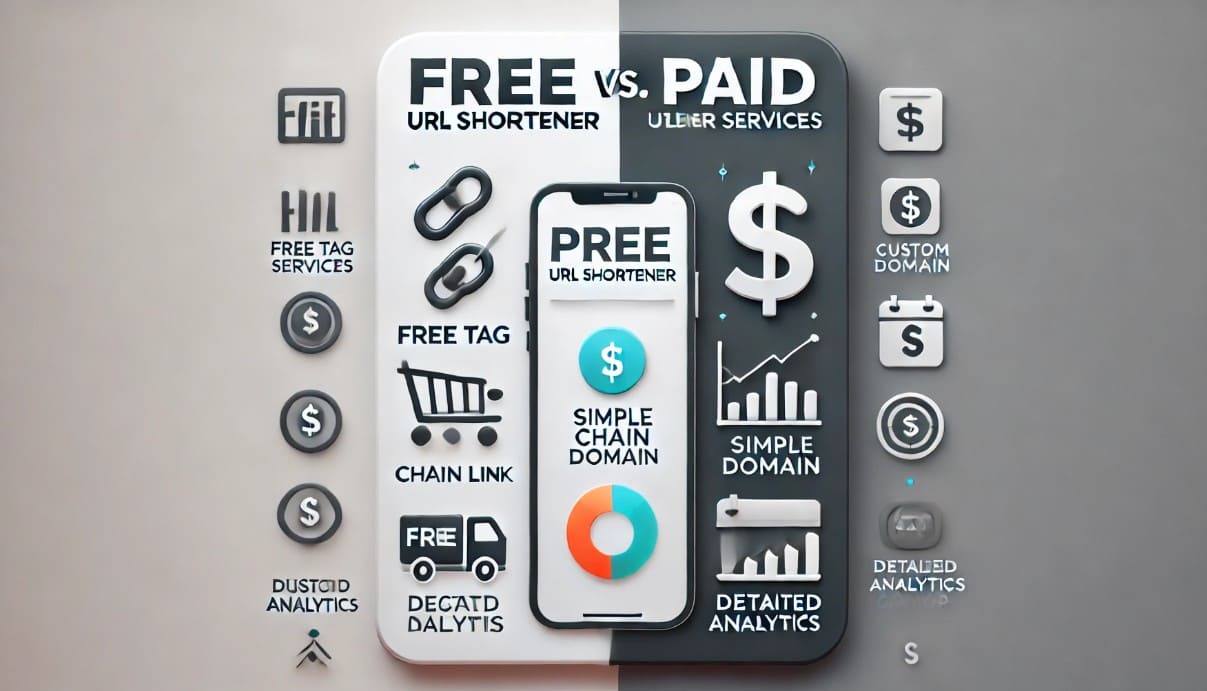
Let’s talk about control (because it matters more than people think)
When you use a free short link, you’re basically trusting the system as-is.
You can’t change much.
You can’t really manage it later.
You just use it and move on.
But with paid tools, you start getting control over things like:
- Editing links later
- Creating custom or branded URLs
- Managing multiple links in one place
It’s not something everyone needs… but when you do, it makes a big difference.
A small example that explains everything
Let’s say you share a link for your product.
With a free tool, it might look like:
short.ly/x7k2p
With a paid tool, you could turn it into something like:
yourbrand.com/offer
Now, which one looks more trustworthy?
Exactly.
That small difference alone can affect whether someone clicks or ignores your link.
The hidden value most people overlook
This is where things get interesting.
It’s not just about shortening links anymore. It’s about understanding what happens after someone clicks.
Paid tools often show you:
- How many people clicked
- When they clicked
- Where they came from
And once you start seeing that data, you realize how useful it actually is.
Because now you’re not guessing. You’re learning.
But does everyone really need that?
Not really.
This is where people overcomplicate things.
If you’re:
- Just sharing links occasionally
- Not running campaigns
- Not tracking performance
Then free tools are honestly more than enough.
No need to upgrade just because “it sounds better.”
When paying actually makes sense
There’s a point where free tools start feeling limiting.
Usually when:
- You’re running ads or campaigns
- You care about click performance
- You want your links to look professional
- You’re managing links regularly
At that stage, paid tools stop being a luxury… and start feeling practical.
Not necessary — but helpful.
The trust factor (which is often ignored)
People don’t talk about this enough.
Links are a trust signal.
If your link looks random or unfamiliar, people hesitate.
If it looks clean and connected to your brand, they’re more comfortable clicking.
It’s a small psychological shift — but it matters, especially online where trust is already low.
Free tools aren’t “bad” — they’re just limited
Sometimes people treat this like a competition: free vs paid.
But it’s not really that.
Free tools are great. They’re fast, simple, and useful.
They just don’t go deep.
And that’s okay — because not everyone needs depth.
So… do you actually need to pay?
Here’s the simplest way to think about it:
If you just want to shorten links → free is enough
If you want to track, manage, and improve → paid might help
That’s it.
No pressure. No overthinking.
One last thought before you decide
Most people don’t start with paid tools.
They start with free ones… and upgrade later when they feel the need.
And that’s probably the best approach.
Use free tools. See how far they take you.
And if you ever feel limited, then consider upgrading — not because you have to, but because it actually makes sense for you.
Free vs paid URL shorteners isn’t really about which one is better.
It’s about which one fits your situation right now.
For some people, free tools are perfect. For others, paid features quietly become essential over time.
So instead of asking “Do I need to pay?”, a better question is:
What do I actually need from this tool?
Answer that honestly — and the decision becomes pretty simple.
FAQs
1. Are free URL shorteners safe to use?
Yes, most are safe, especially well-known ones. Just be cautious with unknown links.
2. Do paid URL shorteners improve SEO?
Not directly, but they help with tracking and better link management, which supports overall marketing.
3. Can I switch from free to paid later?
Yes, many platforms allow you to upgrade anytime as your needs grow.
4. Is it worth paying for branded links?
If you care about trust, branding, or marketing — yes, it can be worth it.
Tags #URLShortener #DigitalMarketing #LinkTracking #OnlineTools #SaaS #MarketingTips #LinkManagement



_Image_2.jpg)








.png)














