
Open any Shopify product page and copy the URL. Now look at it. yourstore.com/products/organic-cotton-tshirt-navy?variant=41827392847271. That's what you're pasting into your Instagram bio, your TikTok caption, your email campaign, and the QR code on your packaging insert. Every single channel, the same unwieldy string of characters.
Most Shopify store owners never question this because it's just... how the URL is. It works. The link goes to the product. Job done. But there's a layer of insight sitting right there that most stores never access, simply because the link itself doesn't tell you anything.
The Problem With Shopify URLs Specifically
Shopify's URL structure is functional but not exactly built for marketing. Product URLs follow a predictable pattern—/products/handle—which is fine on its own. But the moment you add variant IDs, collection paths, or any tracking parameters for attribution, you end up with URLs that are long, ugly, and completely unreadable to a human.
Here's what that actually costs you. When you're running the same product across Instagram, Pinterest, email, a Google ad, and an influencer collaboration, and all five use the raw Shopify URL—maybe with different UTM tags slapped on—you've got five nearly-identical, equally illegible links. If someone screenshots your Instagram post and shares the link in a group chat, what they're sharing looks like a database query, not a product recommendation.
And critically: you can't tell, at a glance, which of those five links is driving the clicks that matter. UTM parameters help with this in Google Analytics, technically, but they don't help with the visible link itself—the one your customer actually sees and decides whether to trust.
What Short Links Actually Add for Shopify Sellers
This is where a dedicated URL shortener earns its place in your toolkit—not as a replacement for UTM tracking, but as a layer on top of it that makes your links both more useful and more presentable.
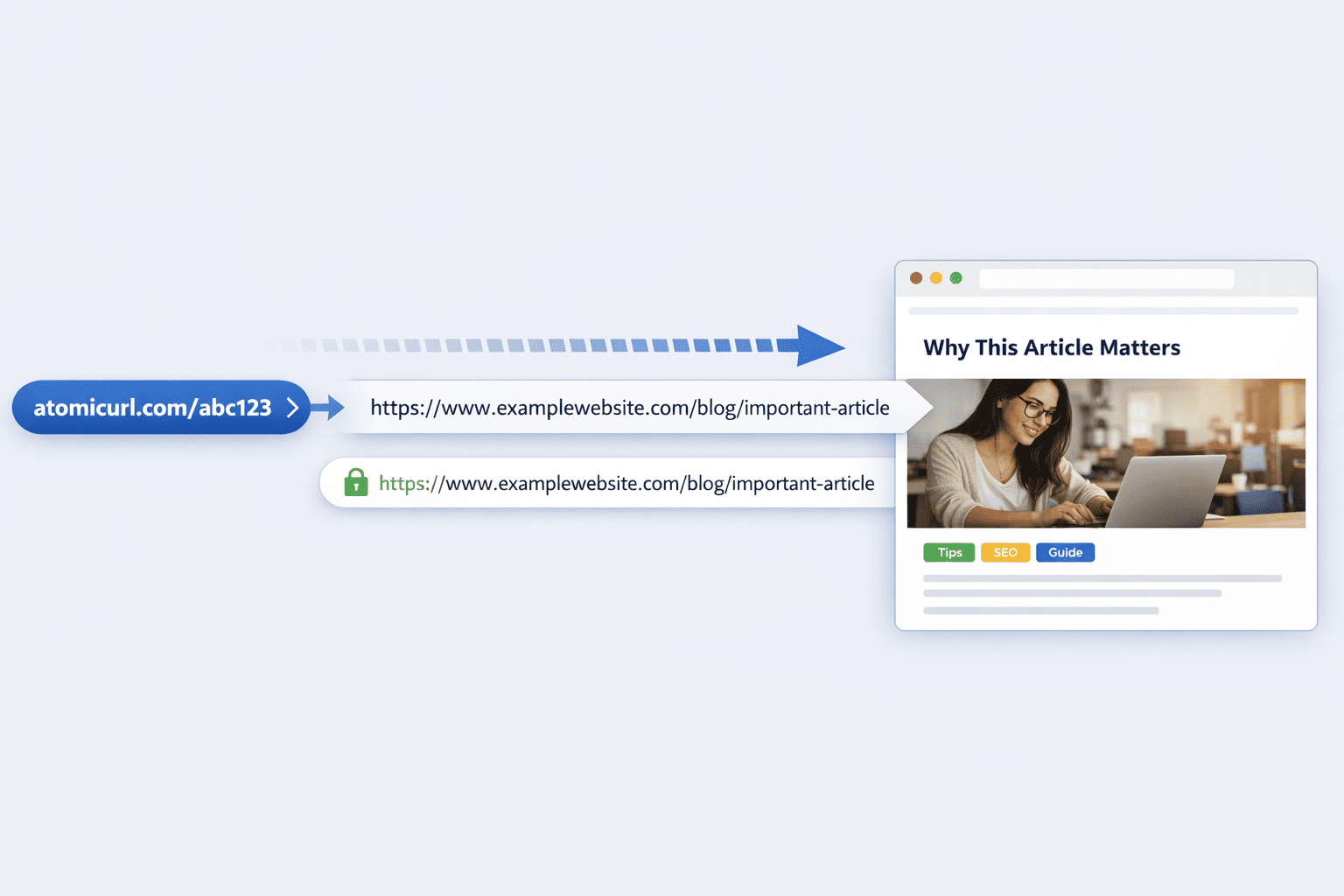
AtomicURL lets you take that long Shopify product URL—UTM parameters and all—and turn it into something like /navytee or /summerdrop. The destination stays exactly the same, including whatever tracking you've built into it. What changes is what your customer sees and clicks.
No sign-up required to do this. You paste the URL, set a custom slug if you want one, and the short link is ready. Instant link shortening means this fits into your actual workflow—you're not opening a separate tool, creating an account, and coming back later. You do it in the moment, between scheduling a post and writing the caption.
Tracking Channel Performance Without Overcomplicating Analytics
Here's a practical approach that a lot of Shopify sellers haven't tried but probably should: create a distinct short link for each channel you're promoting a product through, even if the underlying destination URL is identical.
/tee-instagram, /tee-pinterest, /tee-email, /tee-tiktok—same product, same destination, four different short links. Why bother? Because now you have a clean, simple way to know which channel is actually generating interest, without needing to dig through Google Analytics UTM reports or cross-reference Shopify's traffic source data.
If you're someone who finds analytics dashboards genuinely confusing—and a lot of small store owners are, completely reasonably—this gives you a simpler signal. You can literally just notice "the Pinterest link gets way more clicks than the TikTok one for this product" without opening a single report.
For stores running multiple products across multiple channels, the bulk URL shortener handles up to 50 URLs at once. If you're prepping content for a week's worth of posts across several products, you can batch-process all your destination URLs—including the per-channel variants—in one go, and export everything as a CSV. That CSV becomes your content calendar's link reference: every product, every channel, every short link, all in one file.
The Out-of-Stock Problem Nobody Plans For
Here's a scenario that happens to literally every Shopify store eventually: a product goes viral on Pinterest or TikTok months after you posted it, but by the time the traffic arrives, the product is sold out, discontinued, or the variant in the post no longer exists.
If you used the raw Shopify URL, there's nothing you can do. The link is baked into a post you posted a year ago. It points to a page that might now show "sold out" with no alternative, or—worse—a 404 if the product was deleted entirely.
If you used a managed short link, you have options. The URL manager at AtomicURL lets you update where a short link points without changing the link itself. So that old Pinterest pin that's suddenly getting traffic again? You can redirect its short link to a similar product that's currently in stock, to your collection page, or to a "this item is back soon, here's what's similar" landing page you set up specifically for this situation.
This is genuinely one of the most underused capabilities for e-commerce. Old content keeps working for you—or at least doesn't actively waste the traffic it generates—because you have a layer of control between your old posts and your current inventory.
Flash Sales, Drops, and Time-Limited Promotions
Shopify stores live and die by promotional cadence—flash sales, seasonal drops, limited restocks, early access for email subscribers. Each of these has a time window, and the links you share for them should ideally reflect that window.
Custom link expiry handles this automatically. You create a short link for your 48-hour flash sale, set it to expire after 48 hours, and it deactivates itself. No need to remember to swap out your bio link or update your pinned post when the sale ends. Anyone who clicks late sees that the link has expired rather than landing on a product page where the discount no longer applies—which, frankly, is a much better experience than confusion at checkout when the price doesn't match what they expected.
For limited drops—say, a small batch of handmade items where you genuinely only have 30 units—click-based expiry is the more relevant tool. Set the link to deactivate after 30 clicks (or some buffer above that, accounting for people who click but don't buy), and the link closes itself when the realistic window for purchase has passed. This is particularly useful for drops you announce across multiple channels simultaneously, where you can't manually watch every platform for when inventory runs out.
Pre-Launch and Early Access: Password Protection
If you do early access for email subscribers, VIP customers, or a specific community before a public launch, password-protected links are worth knowing about.
You create the short link to your new product or collection, set a password, and share it with your early-access list. The link itself can be in an email, a DM, wherever—but only people with the password can actually reach the page. This means even if the link gets forwarded outside your intended group, the early access stays controlled until you're ready to remove the password and open it up publicly.
For pre-order campaigns specifically, one-time links offer something interesting: if you're offering a unique pre-order incentive—like a personalized discount code or an exclusive bundle—to individual subscribers, a one-time link ensures that incentive is genuinely single-use. The first person to click it gets the offer; it's not something that can be screenshotted and passed around to claim multiple times.
QR Codes: The Physical-to-Digital Bridge for Product Sellers
If you sell physical products—which, on Shopify, is most stores—QR codes deserve more attention than they usually get. Packaging inserts, thank-you cards, hang tags, even the products themselves in some cases—all of these are opportunities to send a customer somewhere specific after they've already bought from you.
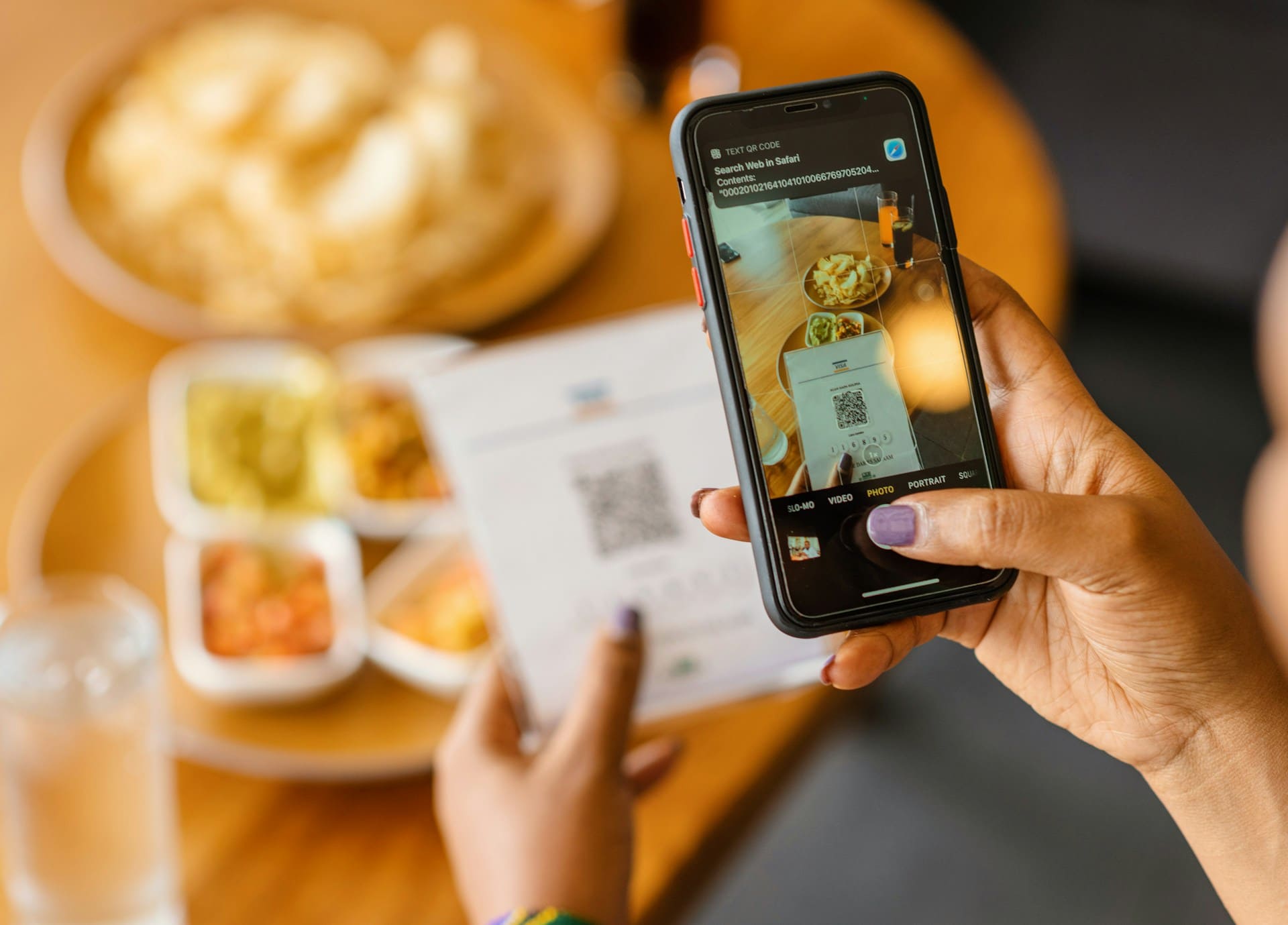
AtomicURL generates and downloads QR codes directly from any short link, no separate tool needed. A QR code on a packaging insert that leads to /leavereview or /loyaltyclub or /refillsubscription is a direct line from a physical unboxing moment to a digital action that benefits your store—reviews, repeat purchases, subscriptions, referrals.
And because the QR code points to a managed short link, if you ever change what that link does—maybe your review platform changes, or your loyalty program gets restructured—you update the destination in the URL manager. The packaging you've already printed and shipped continues to work correctly. You're not stuck with thousands of units of packaging pointing to a dead link because your tech stack changed.
Social Sharing and Cross-Platform Consistency
Shopify integrates with various sales channels—Facebook, Instagram, sometimes TikTok shops—but a lot of sellers also promote products manually across platforms that aren't directly integrated. Pinterest is a big one for many product categories; so is Twitter, so are niche community platforms depending on what you sell.
The quick-share buttons for various social platforms at AtomicURL make it straightforward to take a short link you've created and push it across multiple channels without retyping or reformatting. Once you've created /summerdress, sharing it to Pinterest, Twitter, Facebook, and wherever else takes a few clicks rather than separate copy-paste actions for each platform.
If you're collaborating with influencers or affiliates and they send you links to include in your own marketing—co-branded content, swap promotions, affiliate codes from a partner brand—the URL expander at AtomicURL lets you check where their short link actually goes before you put it in front of your customers. A quick verification step that takes ten seconds and protects your store's reputation if something doesn't match what was agreed.
Bringing It Together for a Real Shopify Workflow
Here's what this looks like in practice for a small-to-mid-sized Shopify store. You're launching a new product. Before posting anywhere, you create short links for each channel you'll use—Instagram, Pinterest, email, maybe a paid ad. You batch these through the bulk shortener, naming them clearly, and export the CSV for your records.
If it's a limited drop, you set click-based expiry on the links so they close themselves when inventory's gone. If there's an early-access period for subscribers, you password-protect that version of the link. Once the product launches publicly, you might update an existing short link's destination—maybe the one you used for the pre-order waitlist—to now point directly at the live product page.
Months later, if a pin or post resurfaces and the product's sold out, you go into the URL manager and redirect that link to whatever's currently relevant—a similar product, a restock notification page, your bestsellers collection.
None of this requires apps, subscriptions, or developer time. AtomicURL handles all of it, free, without an account, with unlimited links and the reliability to make sure every redirect—whether it's getting one click or ten thousand—happens fast and works correctly.
Your products deserve links that work as hard as your product photography does. Given how little effort this takes, there's not much reason not to.
Tags
#ShopifyTips #Ecommerce #URLShortener #AtomicURL #ShopifyMarketing #OnlineStore #ProductMarketing #ShortLinks #EcommerceMarketing #SocialCommerce #SmallBusiness #DigitalMarketing #QRCodes #BrandedLinks #ShopifySEO
_Image_2.jpg)







.png)