
Survey response rates are painfully low across the board. Most businesses know this and have quietly accepted it as the natural order of things. They send the survey, a small percentage of customers respond, and everyone moves on. What fewer businesses interrogate is how much of that low response rate is self-inflicted—not by asking the wrong questions, but by making the link to the survey look and feel like something worth avoiding.
A raw survey URL from Typeform, Google Forms, SurveyMonkey, or any other platform is not exactly inspiring. It's long, it's branded with someone else's platform, it looks like it came from a system rather than a person, and it does absolutely nothing to reassure a customer that clicking it is worth their time.
Short links don't transform bad surveys into good ones. But they remove a layer of friction that was costing you responses—quietly, consistently, every time you distributed a survey link that looked like backend infrastructure rather than a genuine request.
The Perception Problem With Survey Links
Here's something worth sitting with. When a customer receives a link in an email or sees one on a receipt or in a post-purchase message, they make an instant assessment about what's on the other side. The link is part of that assessment—not the most important part, but a part.
A URL that starts with forms.gle/ or typeform.com/to/ and ends with a string of random characters reads as: automated. This is a form. This is a system task someone designed for me to complete. That feeling—the moment where it registers as administrative rather than personal—is when a lot of people mentally opt out before they've even read the survey request properly.
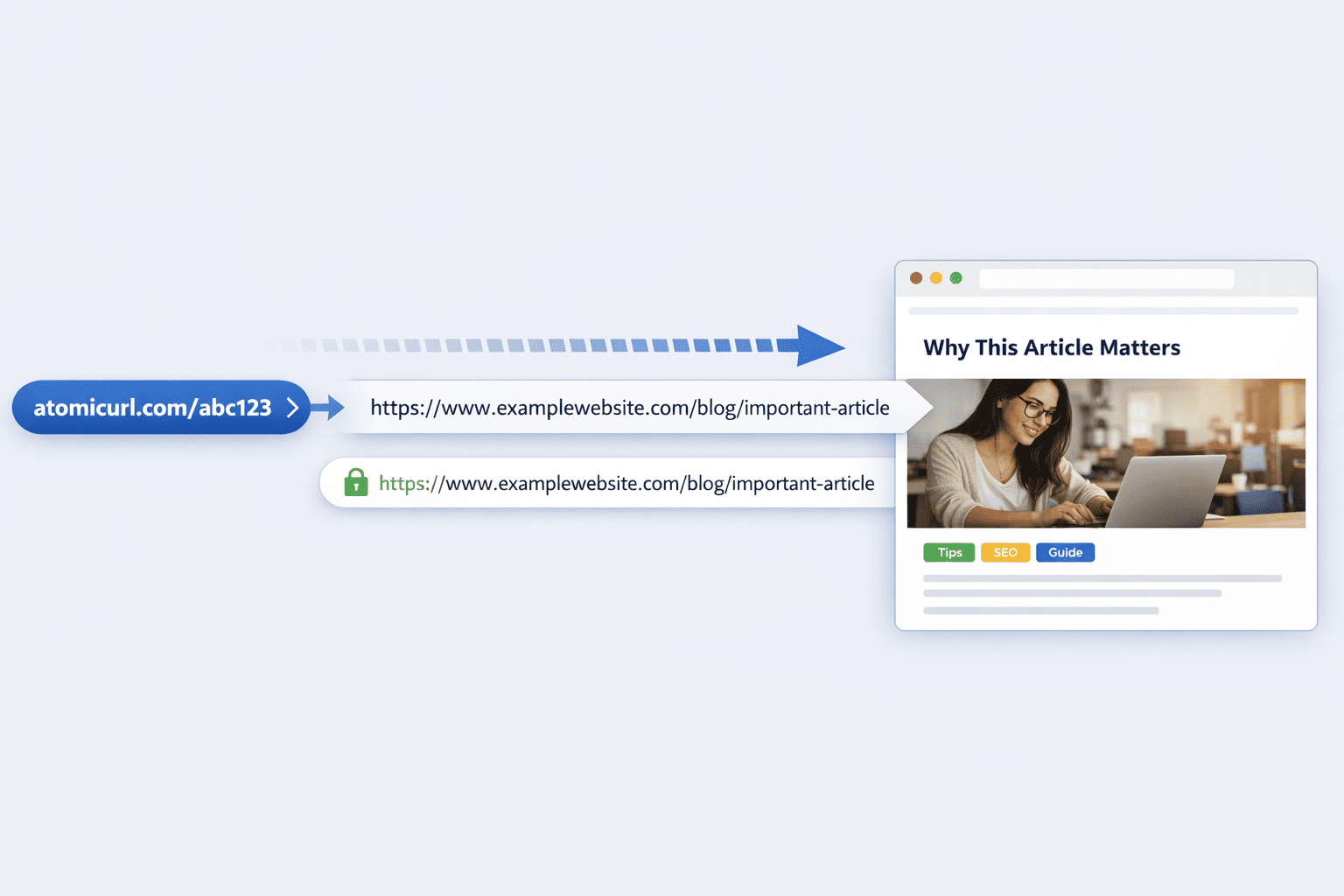
A branded short link that says something like atomicurl.com/tellusmore or atomicurl.com/share-feedback reads differently. Slightly warmer. More intentional. More like someone actually wanted your input rather than just capturing data points. That distinction is subtle, but in the context of a low-stakes decision like whether to fill out a survey, subtle distinctions move the needle.
Creating Your Survey Links: What to Actually Do
The workflow is simple. Go to AtomicURL, paste your survey's full URL from whatever platform you're using, and choose a custom slug that reflects what you're asking rather than what the platform generated. No account needed, no sign-up, no form to fill out before you can create your first link.
Something like /howarewebdoing, /quickreview, /90secondsurvey, /shareyourthoughts tells the respondent something before they've even clicked. The slug is a micro-pitch for taking two minutes to fill out the form. It sets the tone before the first question.
One-click copy means you're not fighting with the interface to grab the link—you create it, you copy it, you drop it into whatever you're sending. The instant link shortening means there's no waiting between creating the link and having it ready to use.
Using Different Links to Understand Where Responses Come From
Most businesses send their customer surveys through multiple channels simultaneously—email, SMS, a post-purchase redirect, maybe a QR code on packaging or a receipt, possibly a social post. And most businesses use the same survey link across all of those channels without being able to distinguish which one actually drove responses.
This is a fixable blind spot. Create a distinct short link for each channel, each pointing to the same survey URL. /survey-email for your email campaign. /survey-sms for your text message distribution. /survey-qrcode for the code on your packaging or receipt. /survey-instagram for the story or link in bio.
When you look at your survey responses later, if your survey platform shows you anything about traffic source, you now have attribution data. Even without that, you have click data at the link level—you can see which channel got the most clicks, which helps you understand where your customers are most receptive to being asked for feedback.
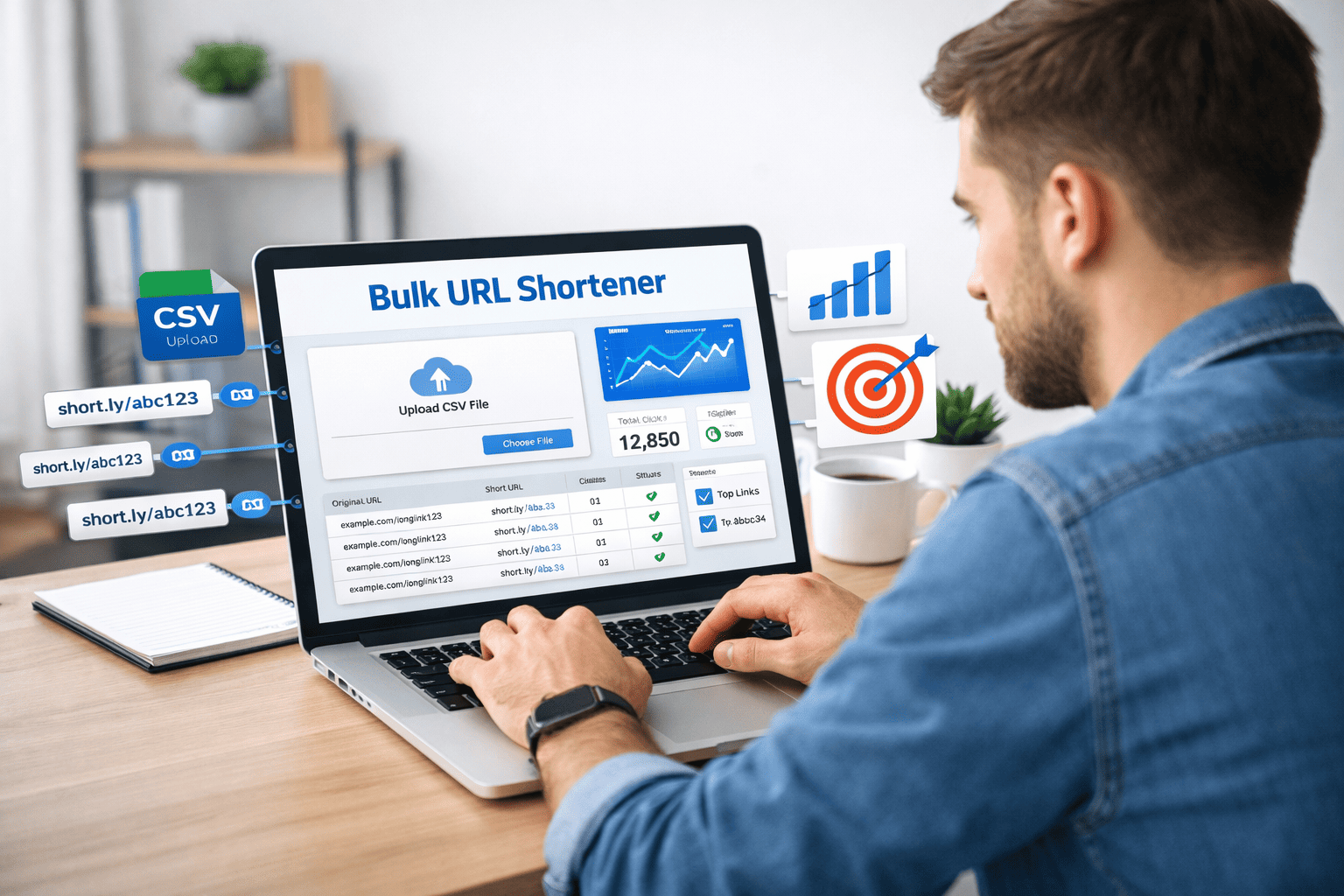
The bulk URL shortener at AtomicURL makes this practical if you're running a larger research initiative with multiple surveys or multiple segments. Process up to 50 URLs at once, export the results as a CSV, and you have a documented map of which link corresponds to which survey and which channel—useful when you're trying to make sense of the data weeks later.
Survey Collection Windows and the Expiry Question
One of the more overlooked aspects of survey distribution is timing—specifically, what happens when you leave a survey link live long after the collection window you actually care about.
Customer satisfaction surveys sent immediately post-purchase are most valuable when responses come in while the experience is still fresh. If that same link stays active for six months, the responses you get later are from a different context entirely—some customers might not even remember the specific purchase or interaction you were asking about.
Custom link expiry lets you set a date when your survey link automatically stops working. You decide upfront how long you want your collection window to be—two weeks, a month, whatever makes sense for your use case—and build that expiry into the link at creation. When the window closes, anyone clicking an old version of your email or following an old link gets a clear expired message rather than submitting a response into a dataset where it no longer belongs.
This isn't about making surveys harder to complete—it's about ensuring the data you collect is actually usable for the decisions you're trying to make.
Click-based expiry works differently but can be relevant for research situations with a specific sample size target. If you need responses from a maximum of 200 customers for statistical reasons, you can set the link to deactivate after 200 clicks—accounting for the conversion rate between clicks and completions. Once you've got what you need, the link closes. You don't end up processing far more responses than you planned for or giving respondents the impression their input will be used when it won't be.
QR Codes for In-Person Survey Collection
A lot of feedback happens at or near the physical point of experience—at a retail location, at an event, after a service appointment, at the moment someone receives and opens a product. Getting a customer to a survey link in those moments is exactly where QR codes solve a problem that a typed URL never could.
You're not going to get someone to manually type a survey URL while they're standing at a checkout counter or unboxing a product. You might get them to scan a QR code that's sitting right in front of them.
AtomicURL generates and downloads QR codes directly from any short link. Create your survey short link—/tellusalot or /rateustoday—download the QR code, and put it on your receipt, your thank-you card, your packaging insert, your table display, your event check-in materials. Anyone who scans it goes straight to the survey.
And because the QR code points to a managed short link rather than a hard-coded URL, if you ever switch survey platforms or the form's URL changes, you update the destination in the URL manager at AtomicURL and the QR code on materials you've already distributed continues to work correctly. No reprinting, no broken survey links on receipts you've already put in boxes.
This is genuinely the part of managed short links that saves people money—often more money than they expect—when it comes to anything involving print.
Managing Ongoing Feedback Programs
Customer surveys aren't always one-off events. Many businesses run continuous feedback programs—NPS surveys sent at regular intervals, post-support ticket surveys, quarterly product feedback cycles, ongoing exit surveys for churned customers.
Each of these probably has a somewhat stable link, but the exact survey URL might change between versions of the form, as platforms update or questions get revised. The URL manager is where keeping these stable becomes practically manageable: the short link that appears in your automated email sequence or on your customer portal stays the same, while the destination gets updated each time you refresh the survey itself.
For businesses handling surveys across multiple products, services, or customer segments, having the full link inventory organized and accessible in one place—rather than scattered across platform accounts and teammates' notebooks—is the kind of operational clarity that makes ongoing programs actually sustainable.
Selective Access and One-Time Survey Links
Not every survey should be universally accessible. Market research with a specific target demographic, usability testing with a controlled group, early product feedback from a curated beta cohort—these situations call for more control over who can actually respond.
Password-protected links offer one level of access control. You can share the survey link with your target group and provide a password only to people who qualify. Anyone who stumbles on the link from elsewhere can't fill it out without the password. You get a cleaner, more controlled response pool.
One-time links offer the most precise control—a link that works exactly once, for one respondent. If you're doing qualitative research and scheduling individual participants through a booking flow, sending each participant a unique one-time survey link ensures that only they complete that specific form, and they only complete it once. Useful for research contexts where sample contamination is a real concern.
Neither of these requires any technical setup beyond selecting the option when creating the link. They're there when you need them, invisible when you don't.
A Practical Starting Point
If you're sending customer surveys and haven't given your survey link any deliberate thought—using whatever URL your survey platform generated, sending it the same way across every channel, leaving it live indefinitely—the improvement available from a small change in approach is larger than it sounds.
Spend two minutes creating a branded short link before the next survey goes out. Give it a slug that says something human. Set an expiry date if the collection window matters. Generate a QR code if you have any physical distribution channel. Check responses by channel if you're distributing through more than one.
None of that is complicated. All of it nudges your response rate and your data quality in the right direction. AtomicURL is where that starts—free, no sign-up, instant, and built for exactly this kind of ongoing, practical link management that makes regular business operations work better.
Customer surveys ask customers to give you something. The link they click to do it should, at minimum, look like you thought about them first.
Tags
#CustomerSurveys #URLShortener #AtomicURL #CustomerFeedback #MarketingTools #ShortLinks #SurveyMarketing #CustomerExperience #QRCodes #LinkManagement #CustomerResearch #DigitalMarketing #NPSSurvey #BusinessTools #CustomerInsights
_Image_2.jpg)






.png)